
Where did the Time sheets module go?
Staff hours are now HR › Timesheets, with leave shown on the same grid. Children's attendance stayed with School.
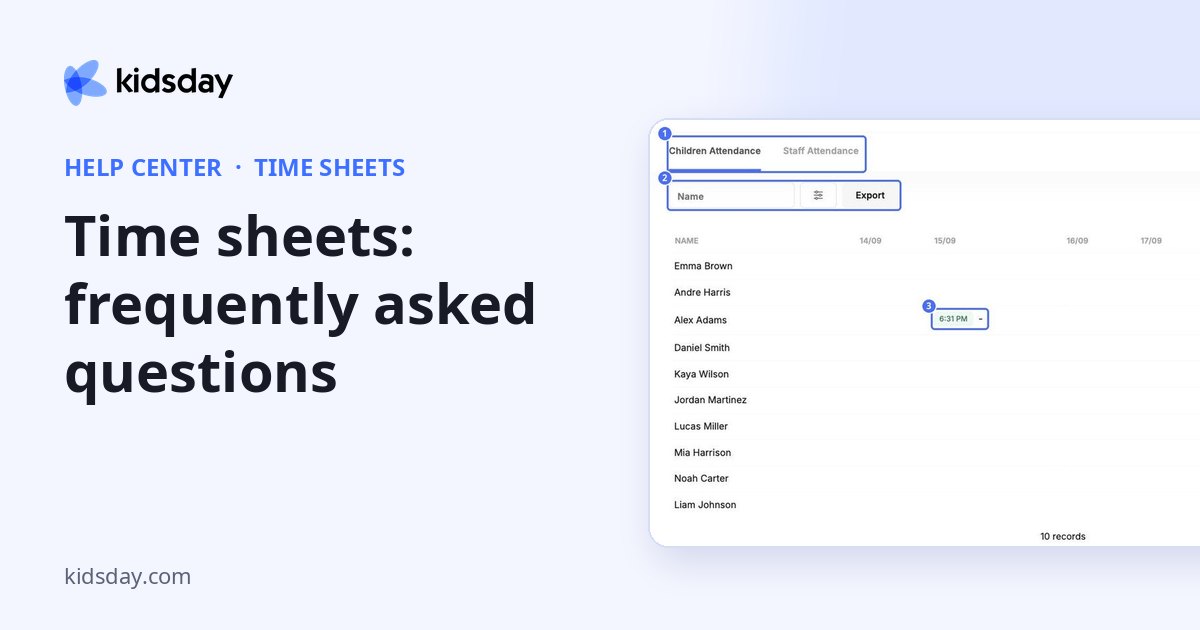
Why is a child's row empty?
The child wasn't checked in on those days, or the dates are outside your filter.
How do I fix a staff member's hours?
In HR › Timesheets, click their day in the grid, adjust the time entry and save.
A staff member's day shows a leave type instead of hours. Is that a mistake?
No. Approved leave is drawn onto the grid in the leave type's colour, so a gap in the hours is explained rather than looking like a missing entry.
Why can't staff clock in?
Switch on Enable Attendance Tracking in Settings › Schedule.
Can I export a whole month?
For children, set the From and To dates in the filter and click Export. For staff hours, HR › Timesheets exports the week you are looking at, so export each week of the month and keep the files together.
Hours are logged but there is nothing to compare them against.
Add an employment record with Weekly hours for that person. Until then their profile reads No contracted hours set.


