
To update your class information, such as the name, color, and teachers, follow these simple steps:
- Click on School in your admin panel.
- Select the class you want to update (for example, name, color, teachers, etc.).
- Click on Settings to modify the required information.
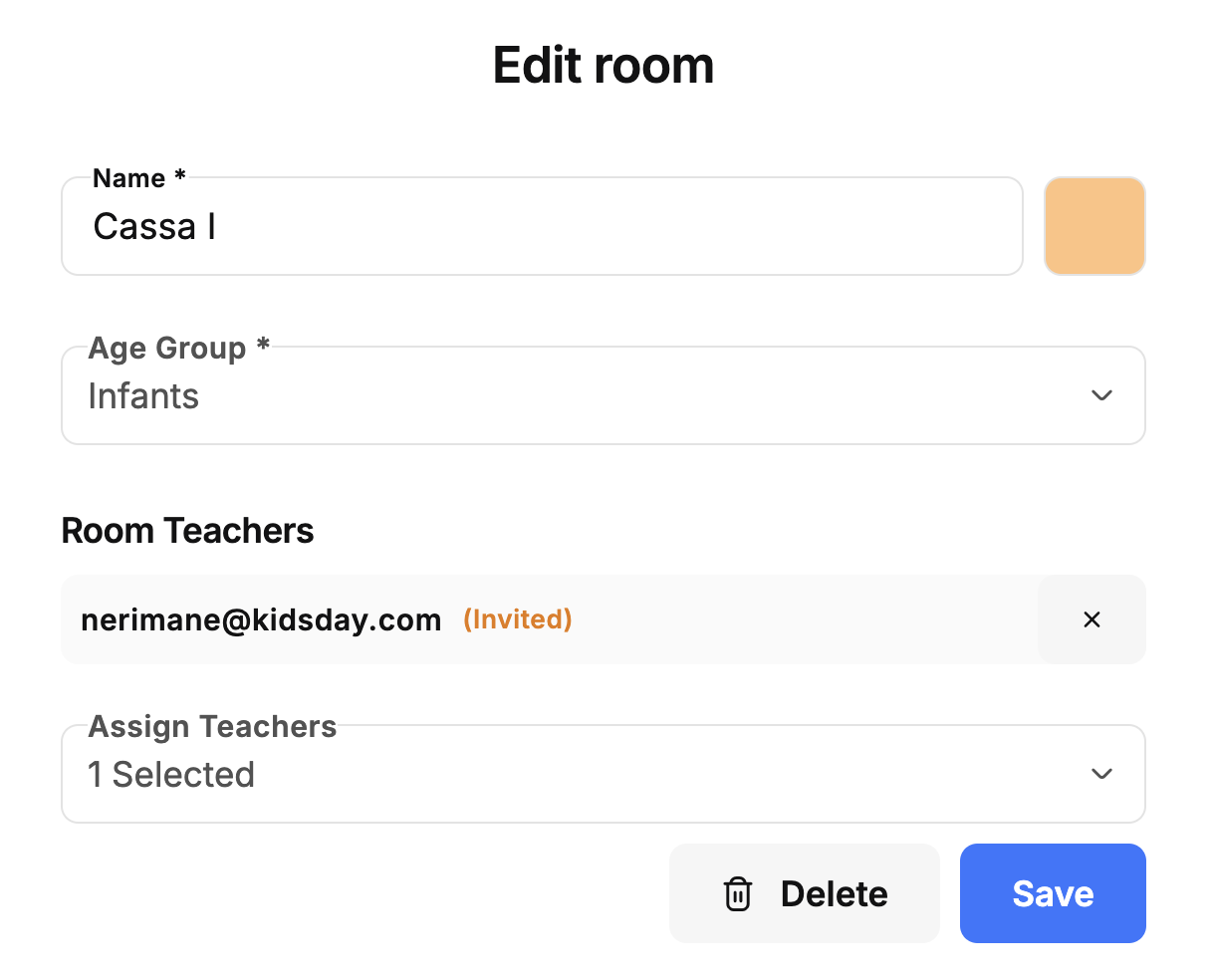
After updating, make sure to save the changes to apply the new information.


