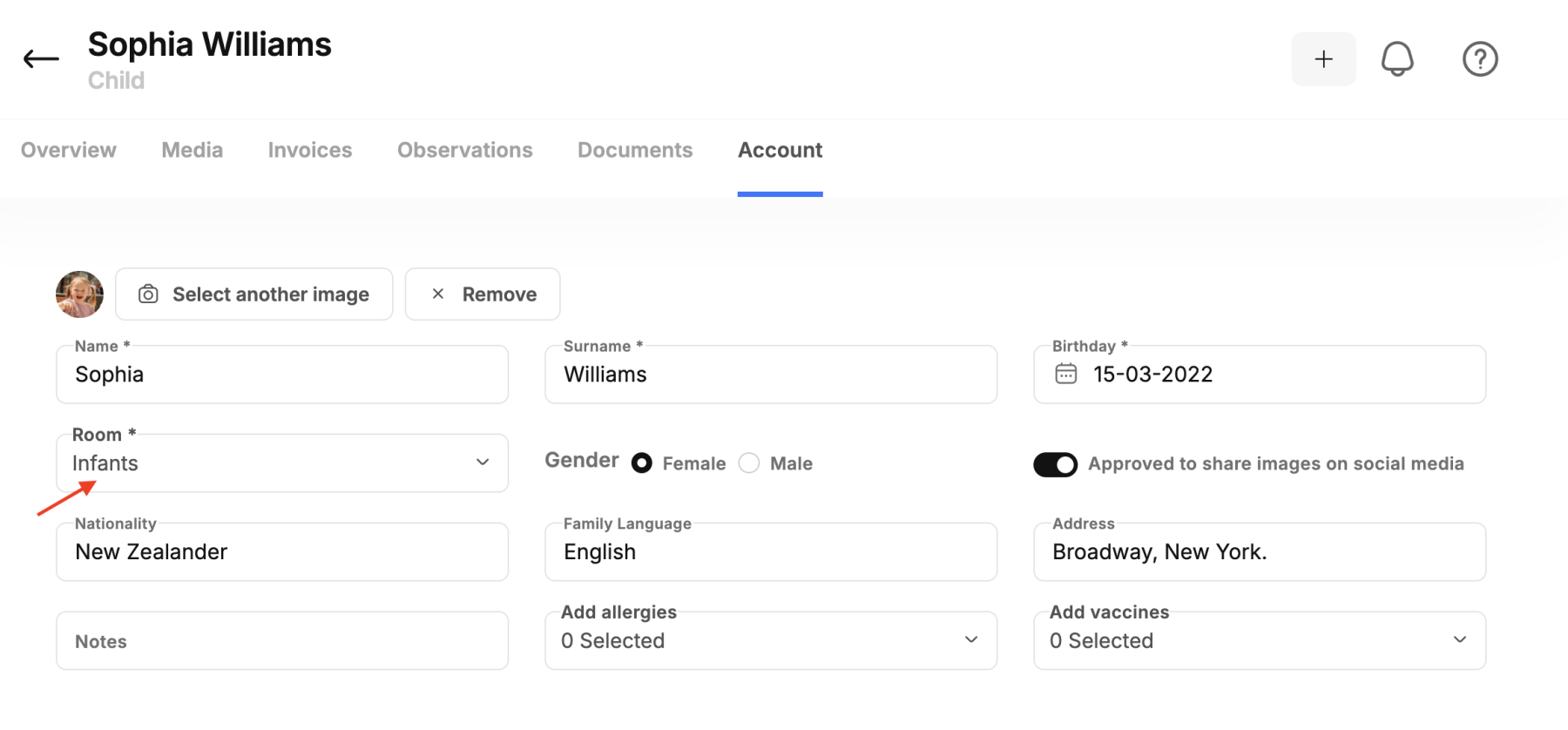
To change a child's room within the system, please follow these steps:
- Search for the child's name whose room you want to change.
- Click on the "Account" option located at the bottom of the screen.
- Click on the "Room" option, where you will see available options to select the room to which you want to transfer the child.
- After selecting the new room, save the changes by clicking the "SAVE" button.
This process ensures that the child is successfully transferred to the correct class without any issues.