
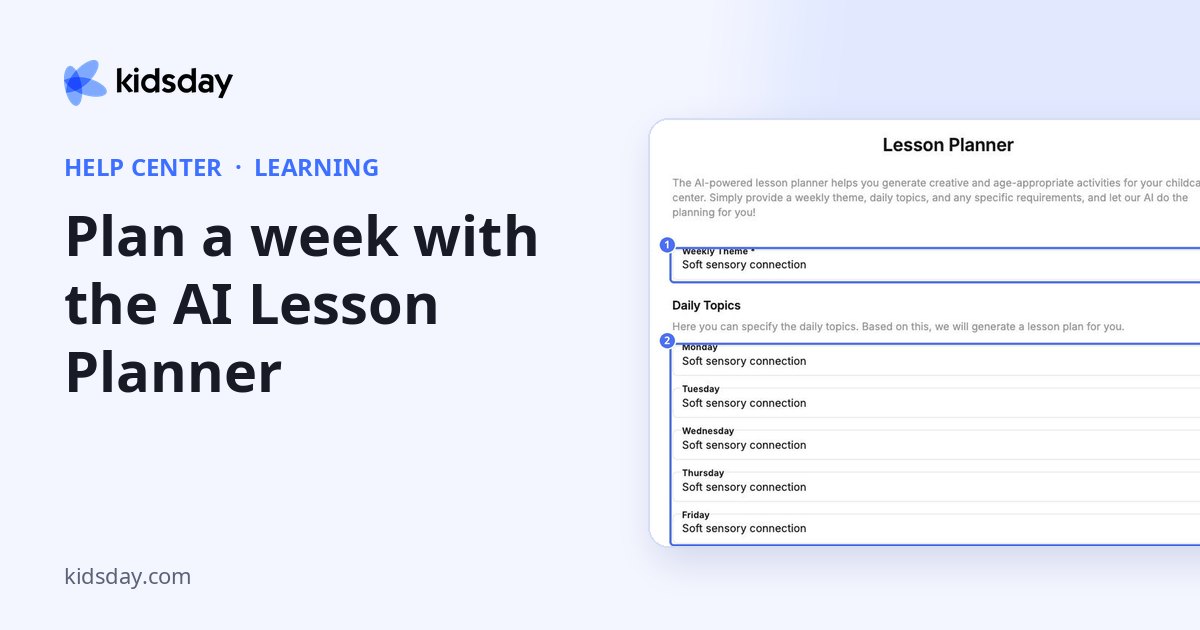
The Lesson Planner writes age-appropriate activities for you. Give it a theme and daily topics, and it suggests a plan. Open it with Plan With AI.
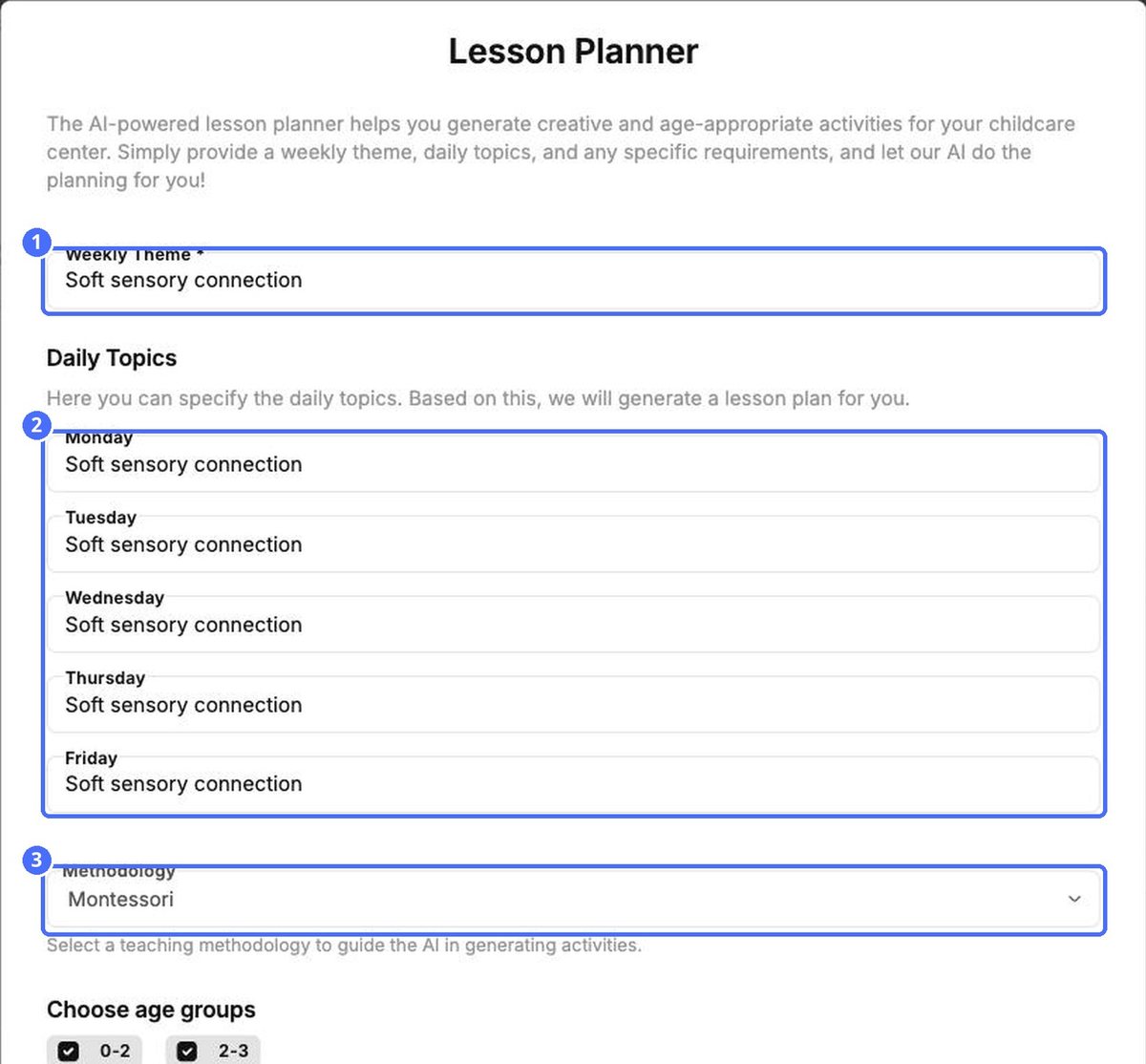
- Enter the Weekly Theme.
- Under Daily Topics, enter a topic for Monday to Friday.
- Choose a Methodology: Combined/Freestyle, Montessori, Reggio Emilia or EYFS.
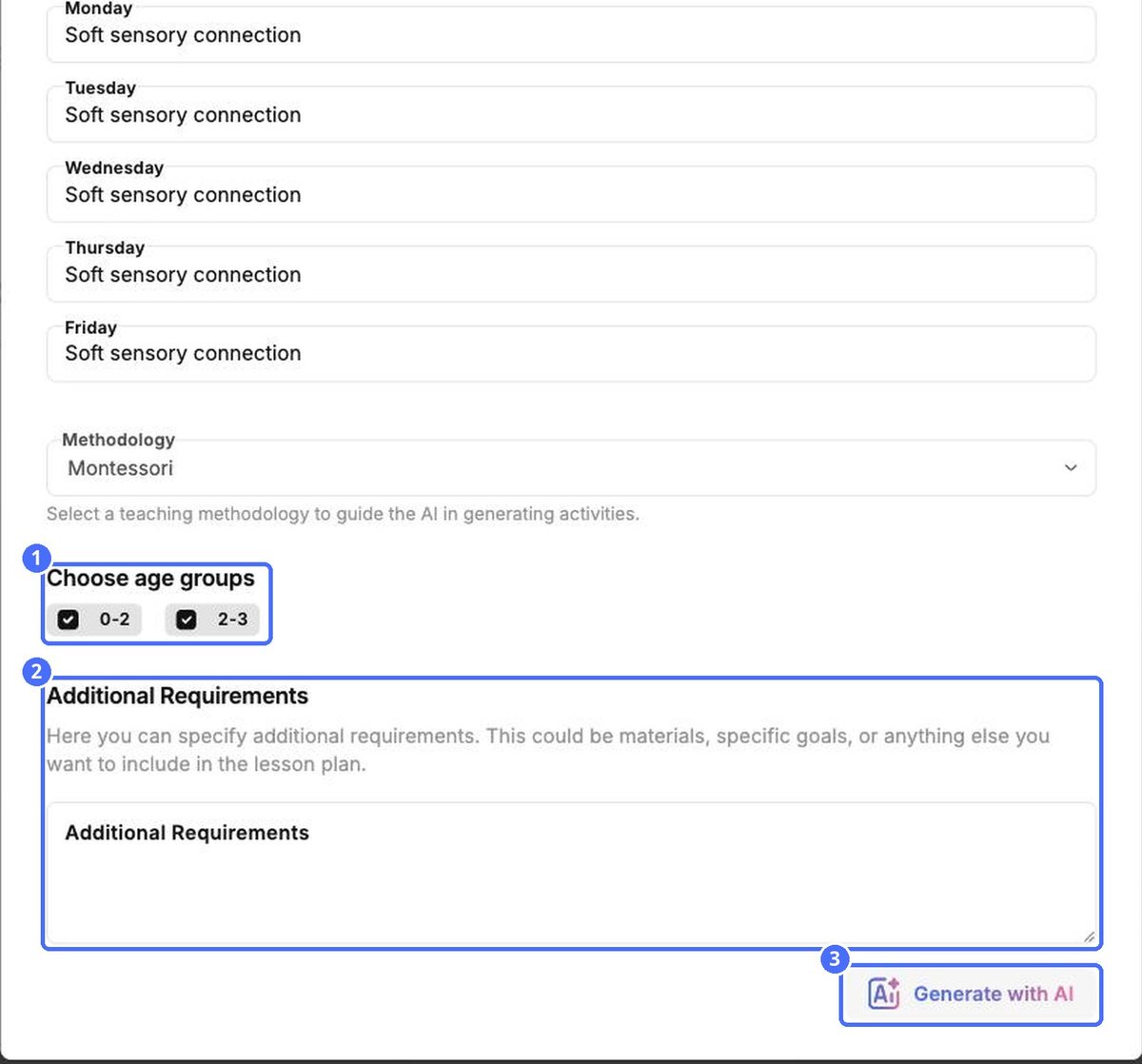
- Under Choose age groups, tick the groups to plan for.
- Add Additional Requirements if needed, such as materials you have or goals for the week.
- Click Generate with AI.
Tip: Read and adjust each suggested activity before you share it. You know your children best.
Note: The Lesson Planner is part of the AI Lesson Planner subscription. Check its status on the Settings tab.


