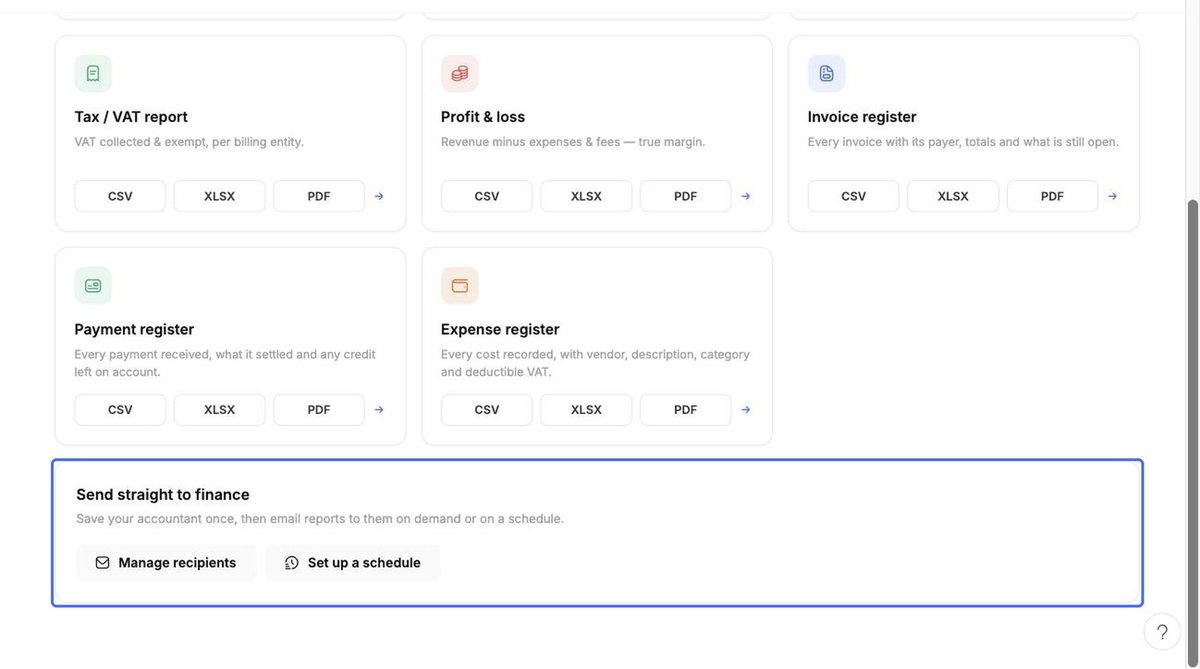
The Reports tab provides finance-grade exports your accountant can use: Revenue summary, AR aging (0/30/60/90 days), Parent vs agency split, Tax / VAT report, Profit & loss, Invoice register, Payment register and Expense register.
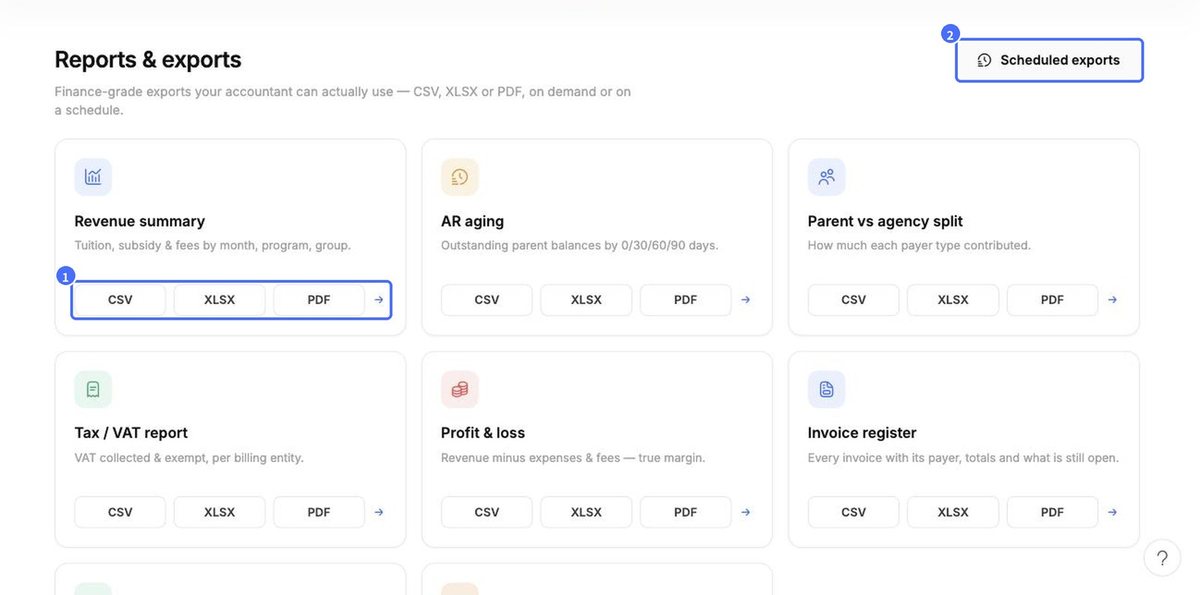
- Click CSV, XLSX or PDF on any report to download it; the arrow opens more options.
- Under Send straight to finance, use Manage recipients and Set up a schedule to email reports to your accountant on demand or automatically.
- Manage existing schedules from Scheduled exports.