
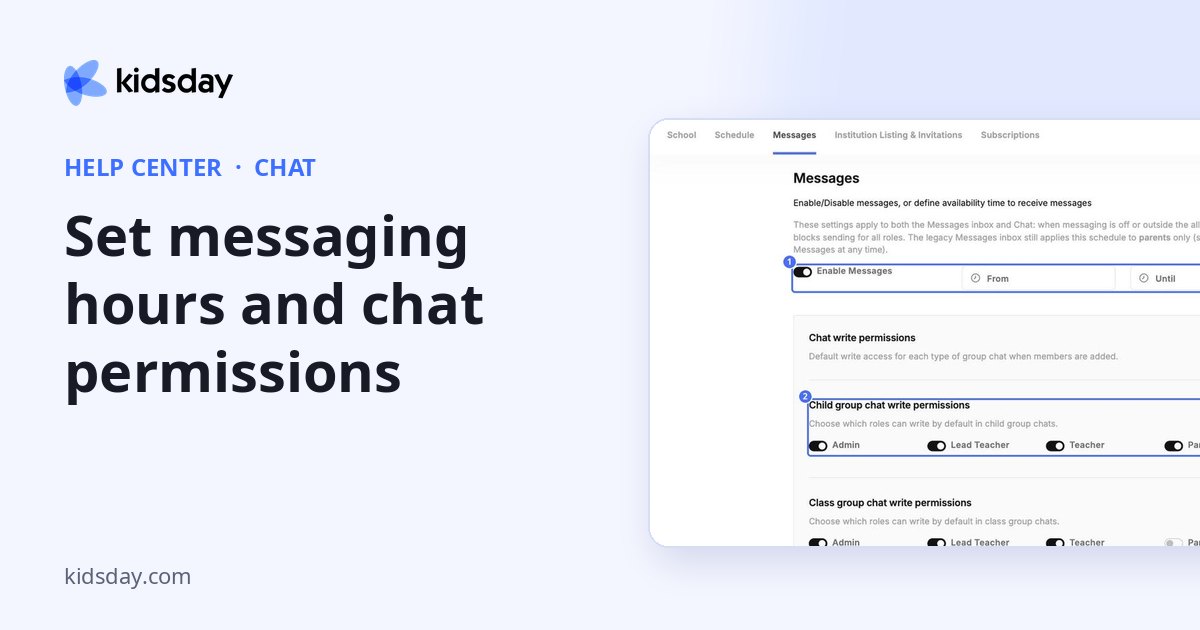
Administrators decide when messages can be sent and who can write in each type of group. Go to Settings › Messages.
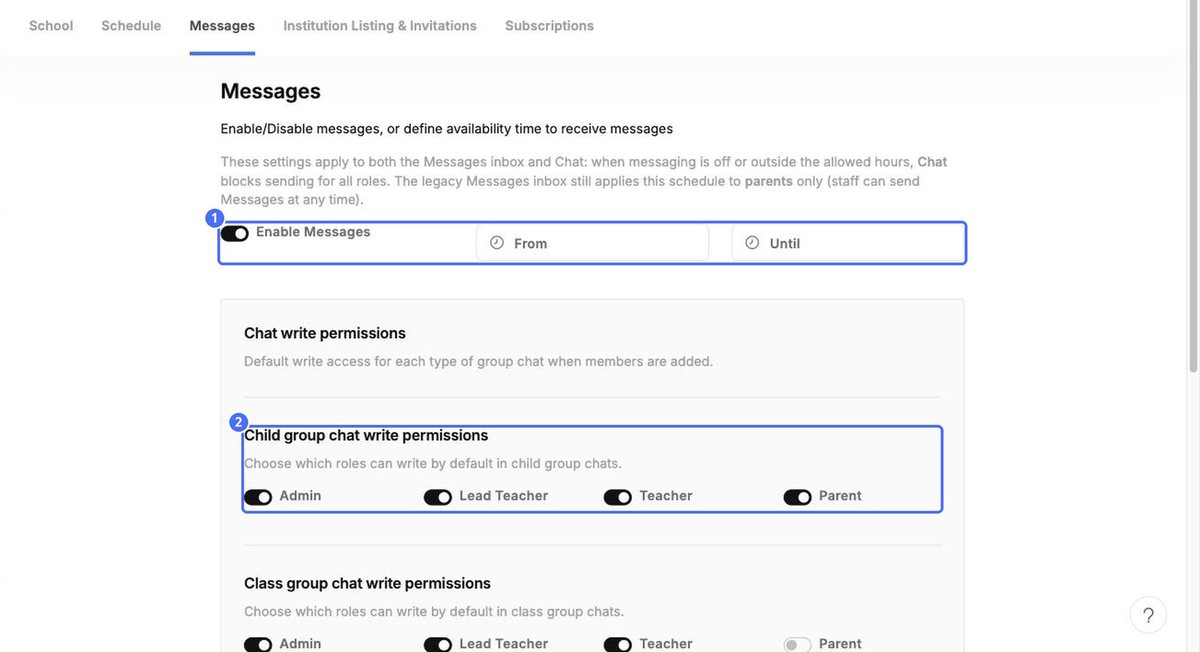
Turn messaging on or off and set hours
- Switch Enable Messages on or off.
- To limit messaging to working hours, set From and Until.
- Click Save at the bottom of the page.
Note: When messaging is off, or outside the allowed hours, Chat blocks sending for everyone. The older Messages inbox applies the schedule to parents only.
Choose who can write
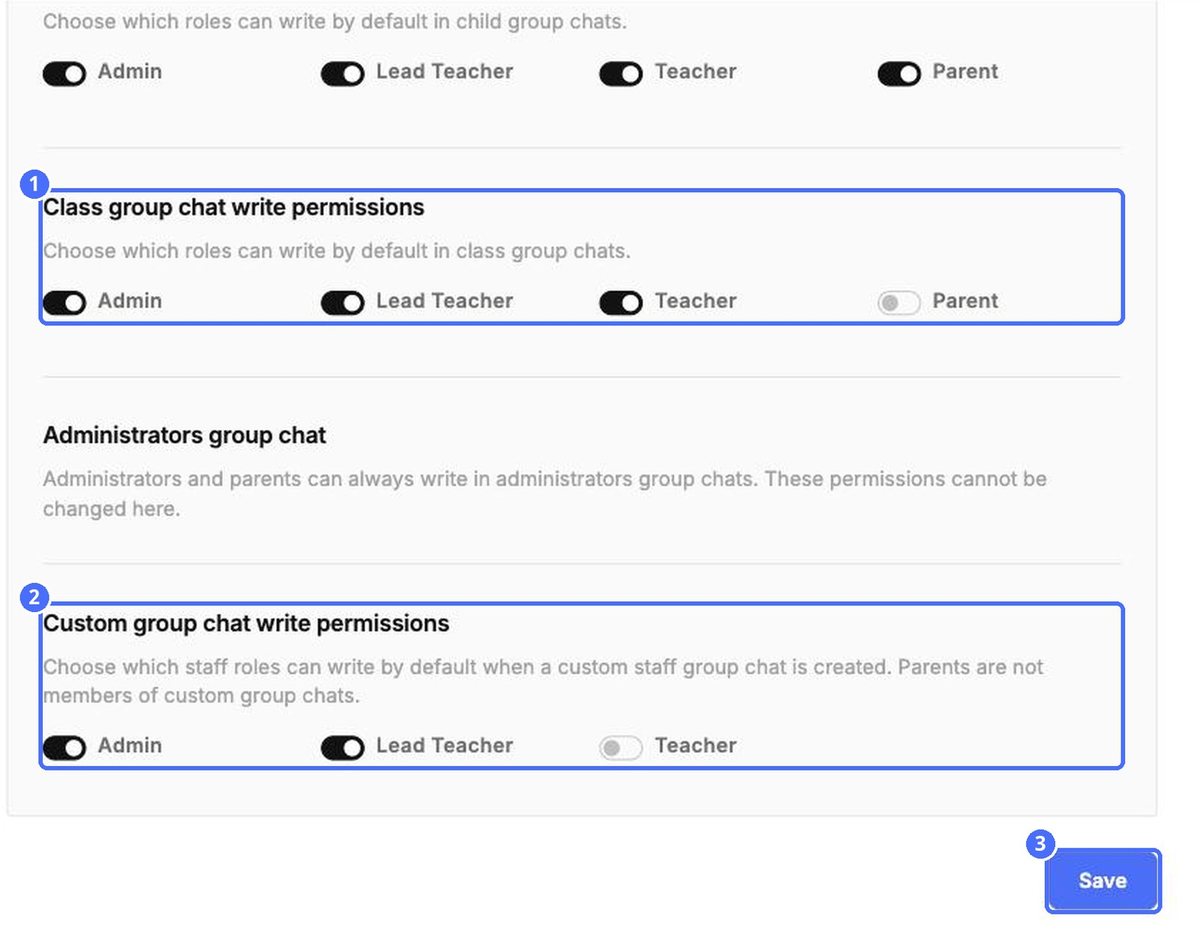
Under Chat write permissions, switch roles on or off for each type of group chat. These are the defaults used when members are added.
| Group chat | Roles you can set |
|---|---|
| Child group chat | Admin, Lead Teacher, Teacher, Parent |
| Class group chat | Admin, Lead Teacher, Teacher, Parent |
| Administrators group chat | Fixed: administrators and parents can always write. |
| Custom group chat | Admin, Lead Teacher, Teacher (parents are never members) |


