
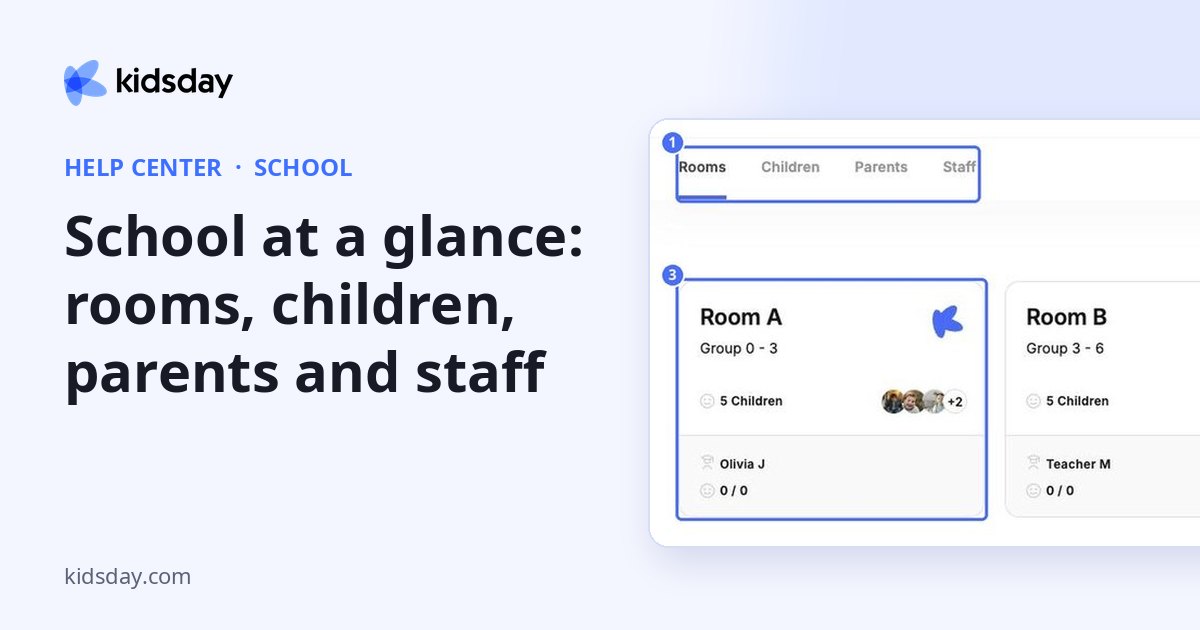
School is where the children in your center and the families around them live: the rooms, the children in them and their parents. Open it from the main menu. The page has three tabs.
| Tab | What you do there |
|---|---|
| Rooms | Create rooms, set their age group and report types, and open a room to take attendance and write daily reports. |
| Children | Add and import children, edit their details, move them between rooms and open a child profile. |
| Parents | Invite parents, see which invitations are still open and manage their access. |
Note: Staff moved. Your team, their working hours and their leave now live under HR. Rooms, children, parents and age groups stayed here. See HR at a glance.
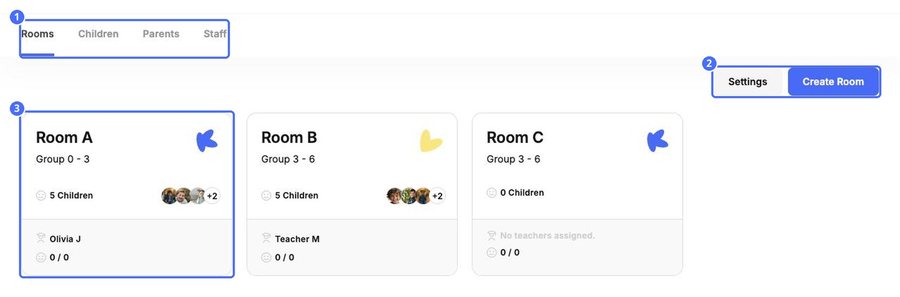
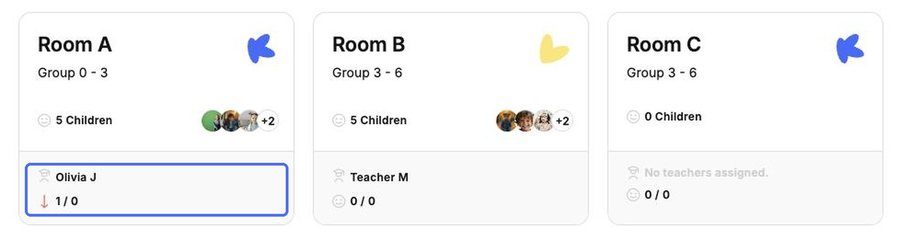
Each room card shows the room name and age group, how many children are enrolled, the assigned teachers and a live attendance counter for today. Click a card to open the room.
Tip: Use the search bar at the top of the School page to jump straight to any teacher, parent or child by name.


