Appointments
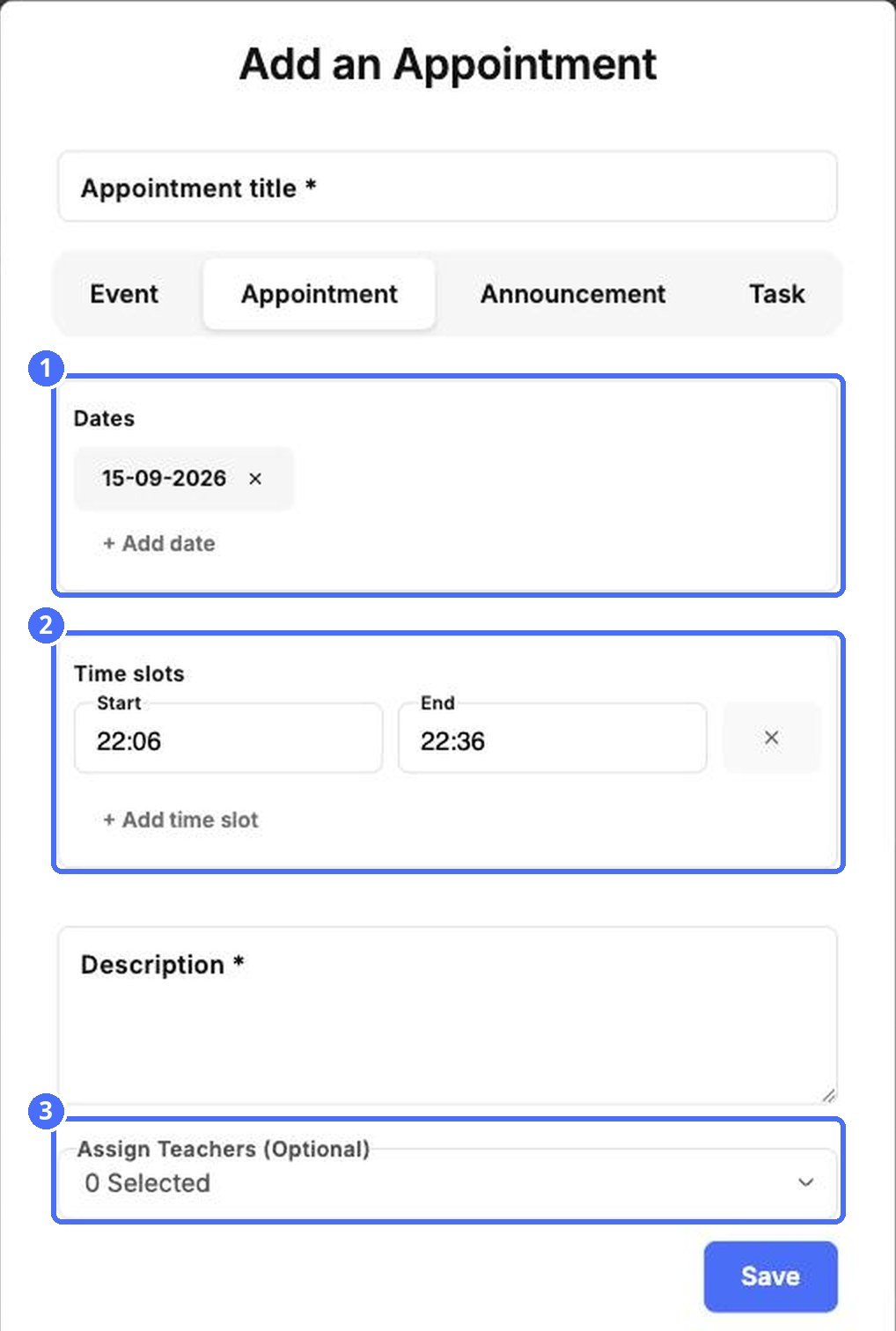
Appointments let you offer time slots, for example for parent-teacher meetings.
- Click Add and choose Appointment.
- Enter the Appointment title.
- Under Dates, click + Add date for each day you offer.
- Under Time slots, set a Start and End time. Click + Add time slot for more slots.
- Write a Description, and use Assign Teachers (Optional) to choose who holds the meetings.
- Click Save.
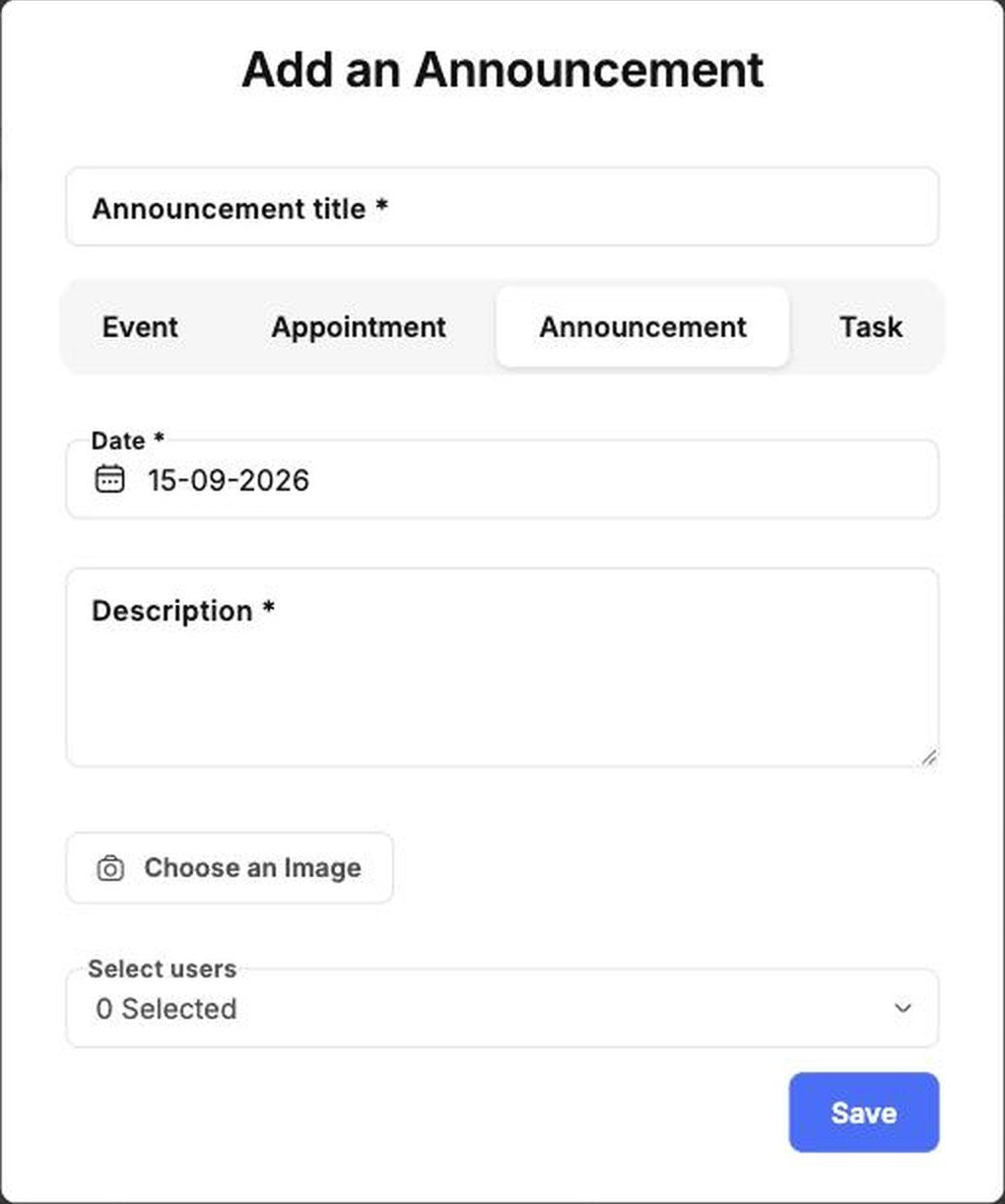
Announcements
An announcement has a title, a Date, a Description, an optional image and the people who should see it.
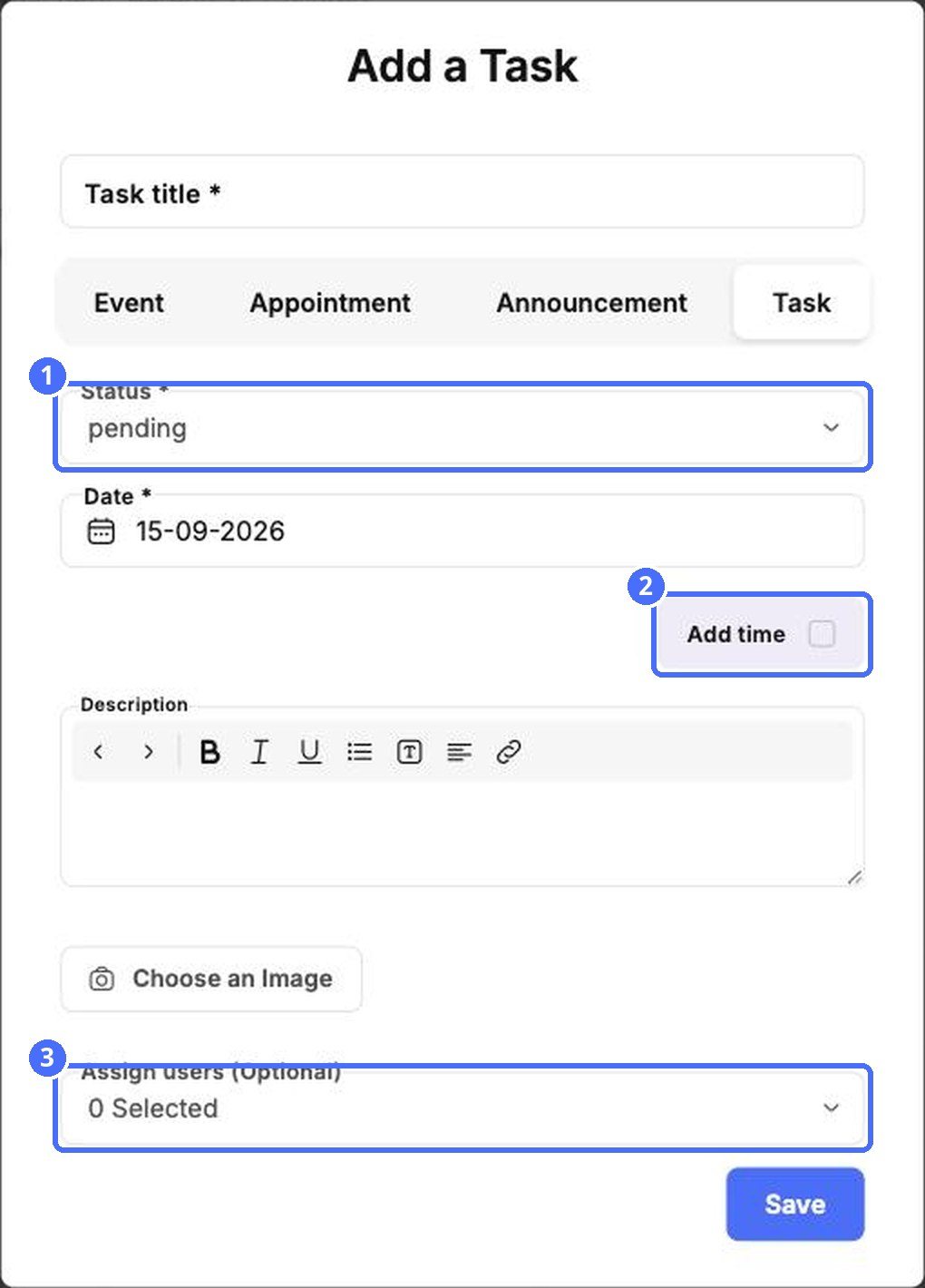
Tasks
Tasks help your team keep track of to-dos. Each task has a Status, such as pending, and a Date. Tick Add time to give it a time, and use Assign users (Optional) to give it to someone.