
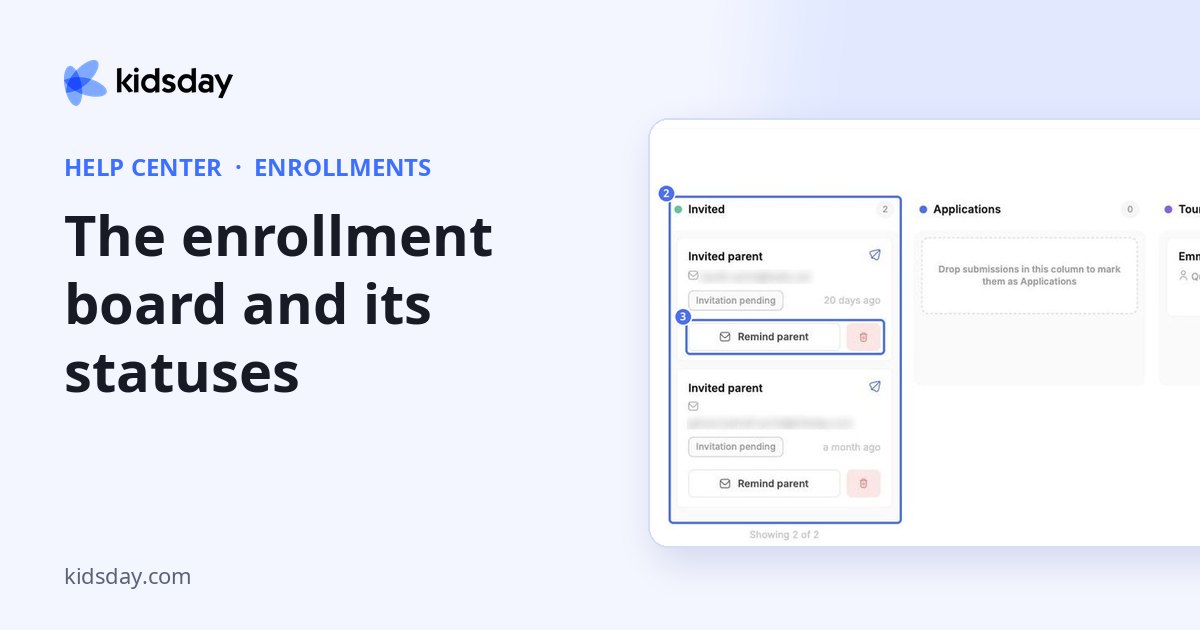
Enrollments shows every family that is applying to your center on one board. Each card is one child's form, and the column it sits in shows where the family is in your process.
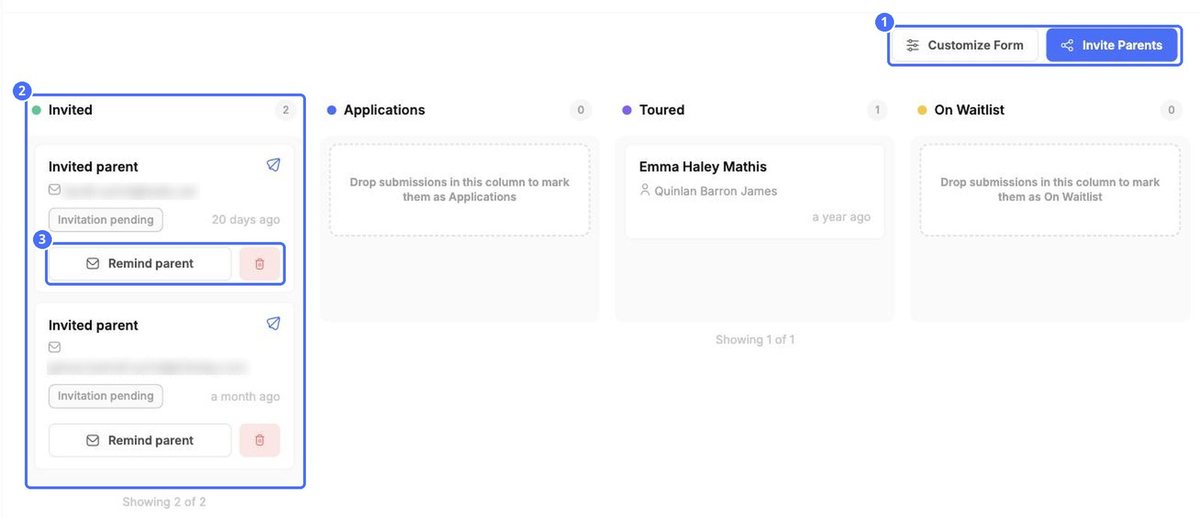
| Column | What it means |
|---|---|
| Invited | You sent the family the form, and they haven't filled it in yet. The card shows Invitation pending. |
| Applications | The family has sent in the form. |
| Toured | The family has visited your center. |
| On Waitlist | The family is waiting for a free place. |
| Enrolled | The child has a place at your center. Enrolled cards show a lock icon. |
| Declined | The application was not accepted. |
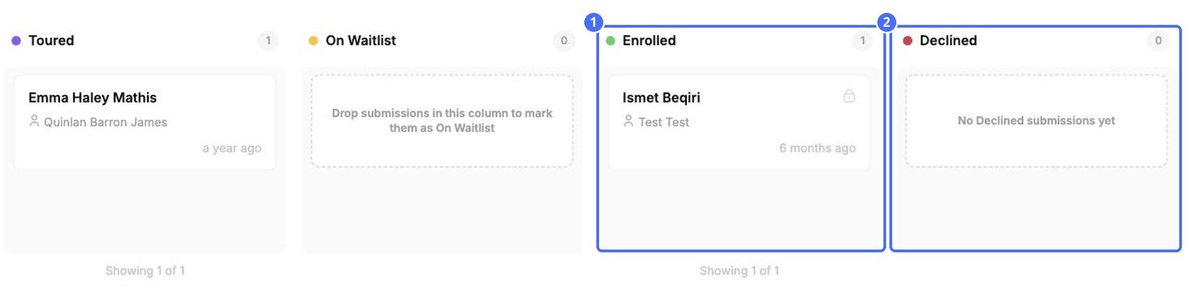
Each column shows how many cards it holds. The card shows the child's name, the parent's name and when the form was sent in. Scroll sideways to see all six columns.
Tip: Drag a card into another column to move it along. Empty columns read Drop submissions in this column… to show where a card can land.


