
Why does a child's card show 0/4 types compliant when there are 7 document types?
The card on the Records tab counts only the mandatory types. The child's own page shows all their document types, for example 0/7 Compliant.
A family says they can't find the request. What can I do?
Open the document type, filter by Requested and click Send Reminder on their card.
How do I know when a document is about to expire?
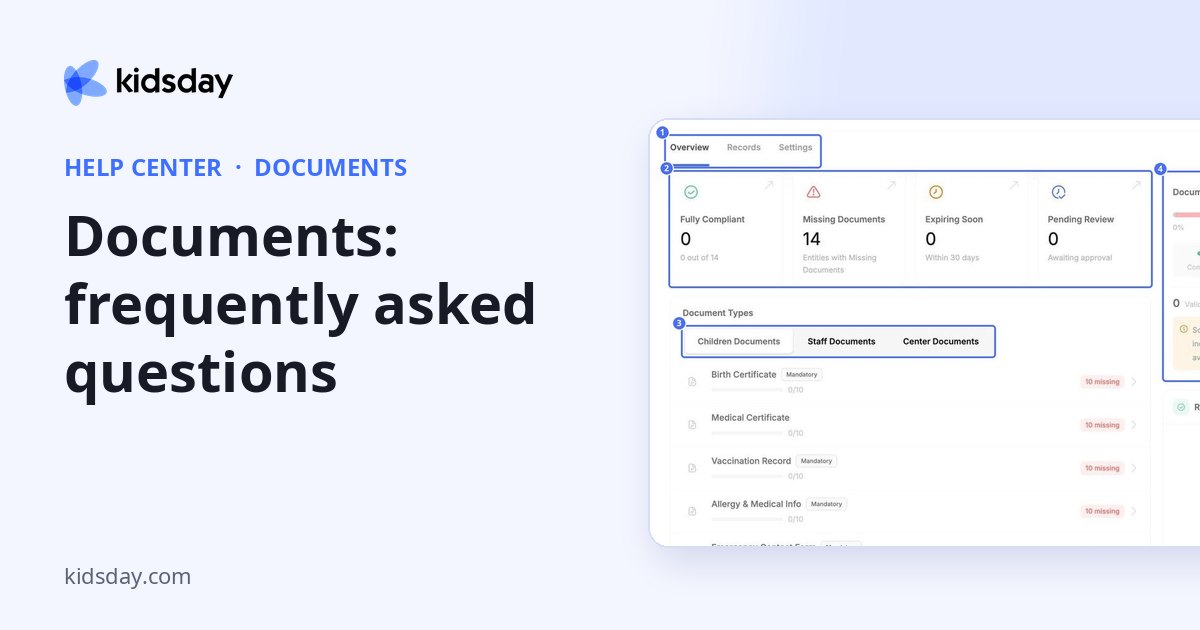
Give the type a Validity Period. Documents that run out within 30 days appear under Expiring Soon on the Overview tab.
What file types can I upload?
PDF, Word, Excel, PowerPoint, text, CSV, OpenDocument and common image formats, up to 10 MB each.
Can I stop collecting a document for a while?
Yes. Switch the document type off on the Settings tab. Delete removes the type completely, so use it only when you no longer need it.


