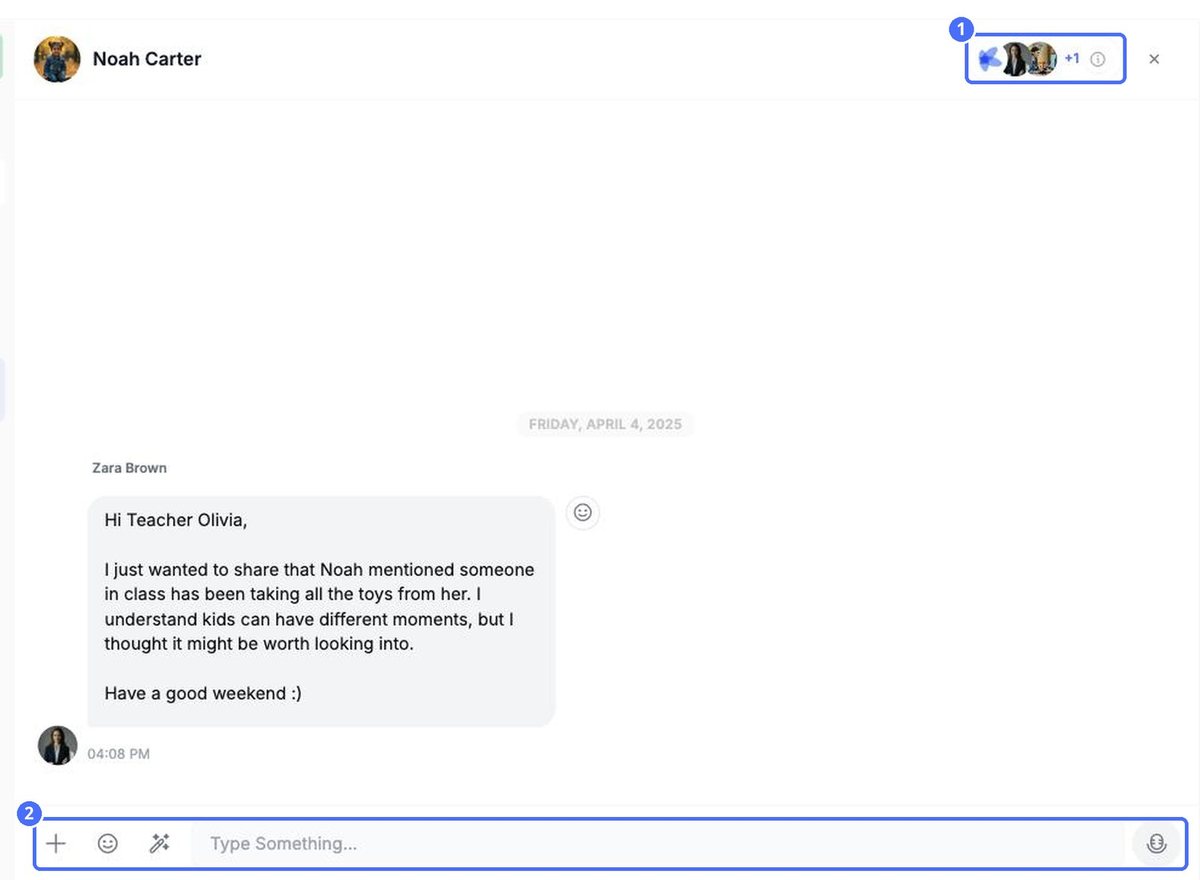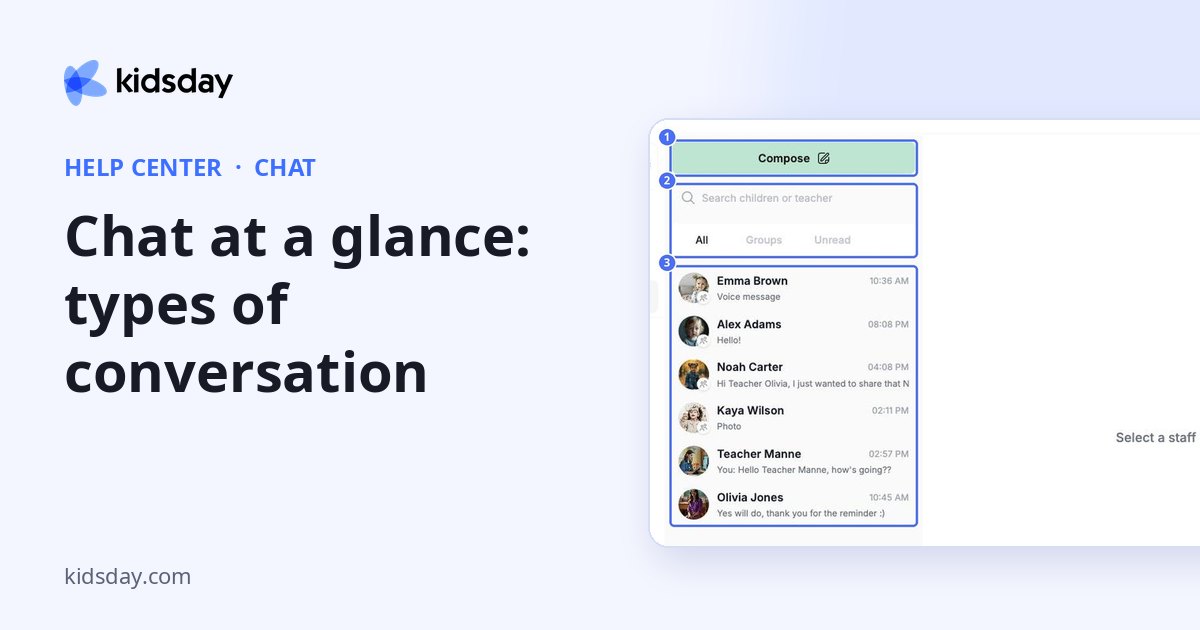
Chat keeps every conversation with families and staff in one place. Open it from the main menu.
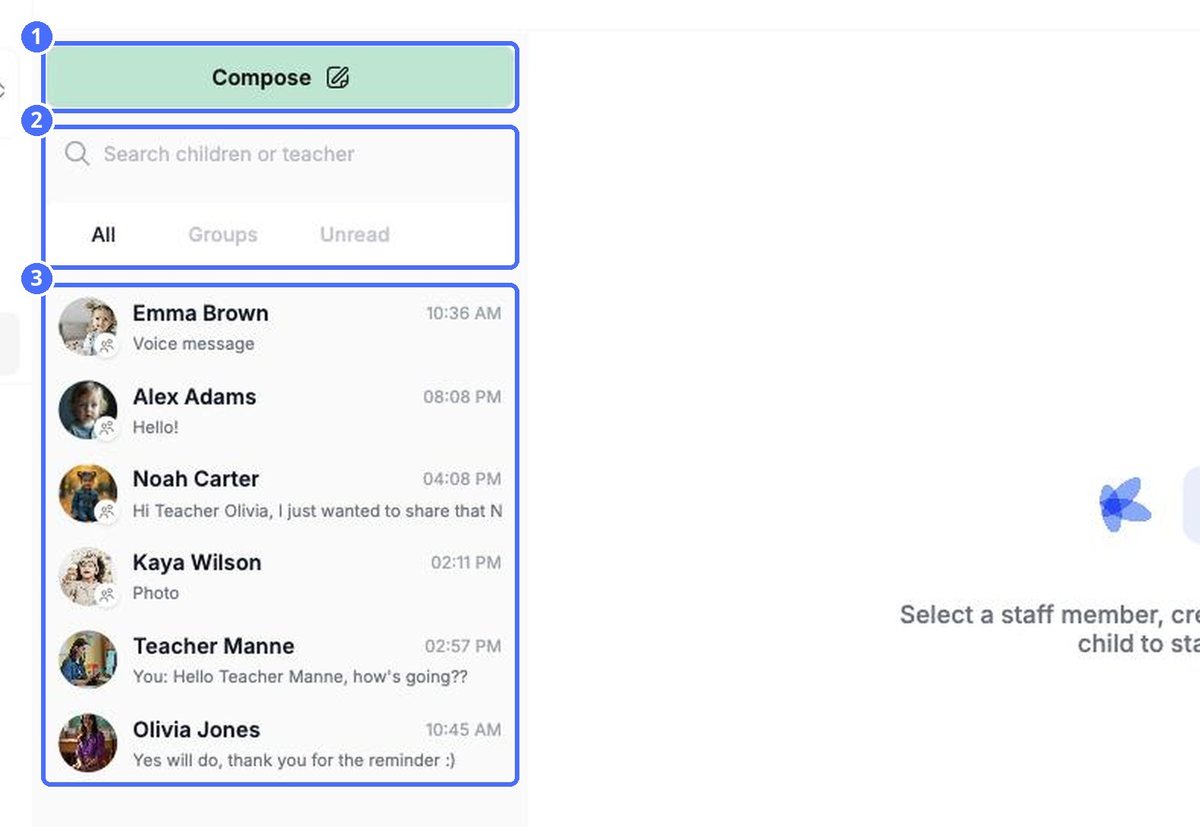
- Compose starts a new conversation.
- Search children or teacher finds a conversation by name.
- All, Groups and Unread filter the list. The time on the right shows the latest message.
Types of conversation
| Conversation | Who is in it |
|---|---|
| Child group chat | The child's parents, their teachers and the center's administrators. It carries the child's name and photo. |
| Direct message | You and one member of staff. |
| Custom group | Staff members you choose. Parents are not members of custom groups. |
| Class group | Everyone connected to a room: its parents, teachers and administrators. Ideal for room-wide announcements. |