
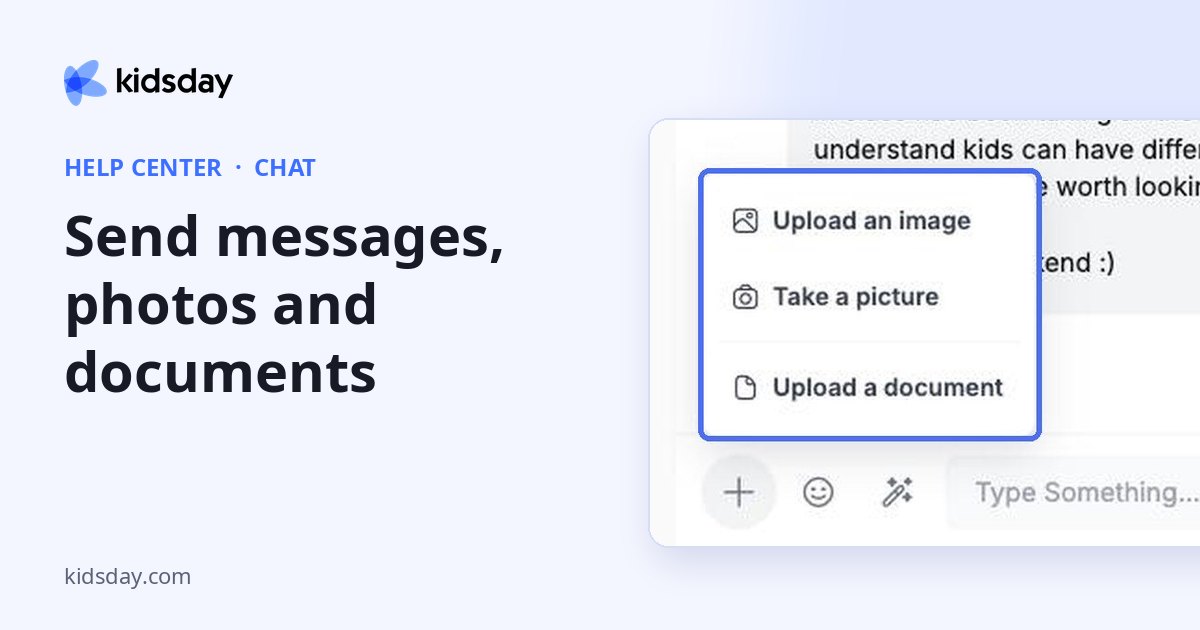
Type in the message bar at the bottom of a conversation and click the arrow to send. Use the buttons on the left of the bar for everything else.
| Button | What it does |
|---|---|
| + | Upload an image, Take a picture with your camera, or Upload a document. |
| Smiley | Adds an emoji to your message. |
| Magic wand | AI writing help: Correct the text fixes spelling and grammar, Rewrite Better makes your message clearer and more polished. |
| Microphone | Records a voice message. |
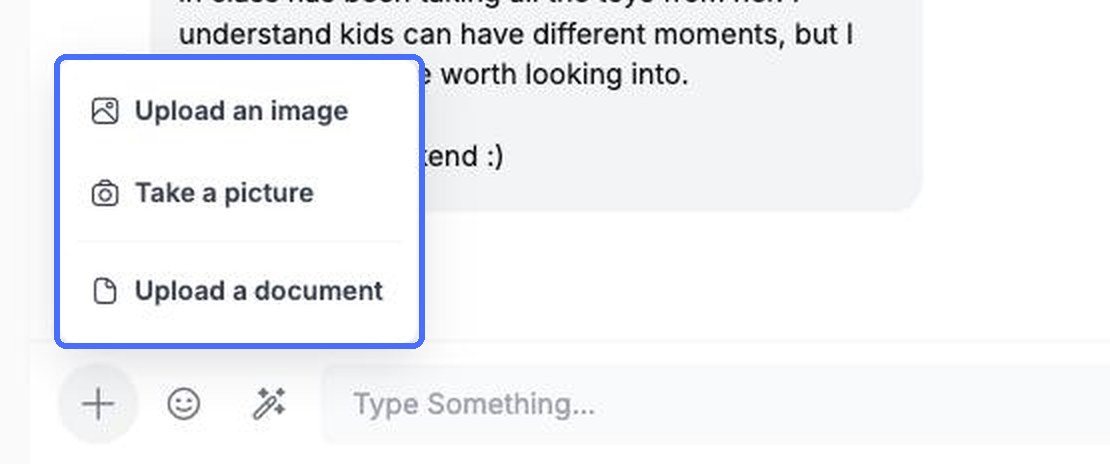
Let kidsday polish your message
- Type your message.
- Click the magic wand and choose Correct the text or Rewrite Better.
- Read the new text in the message bar, edit it if needed, and send it.


Note: Nothing is sent until you click the send arrow, so you can always check the rewritten text first.
To react to a message, click the smiley next to it.


