
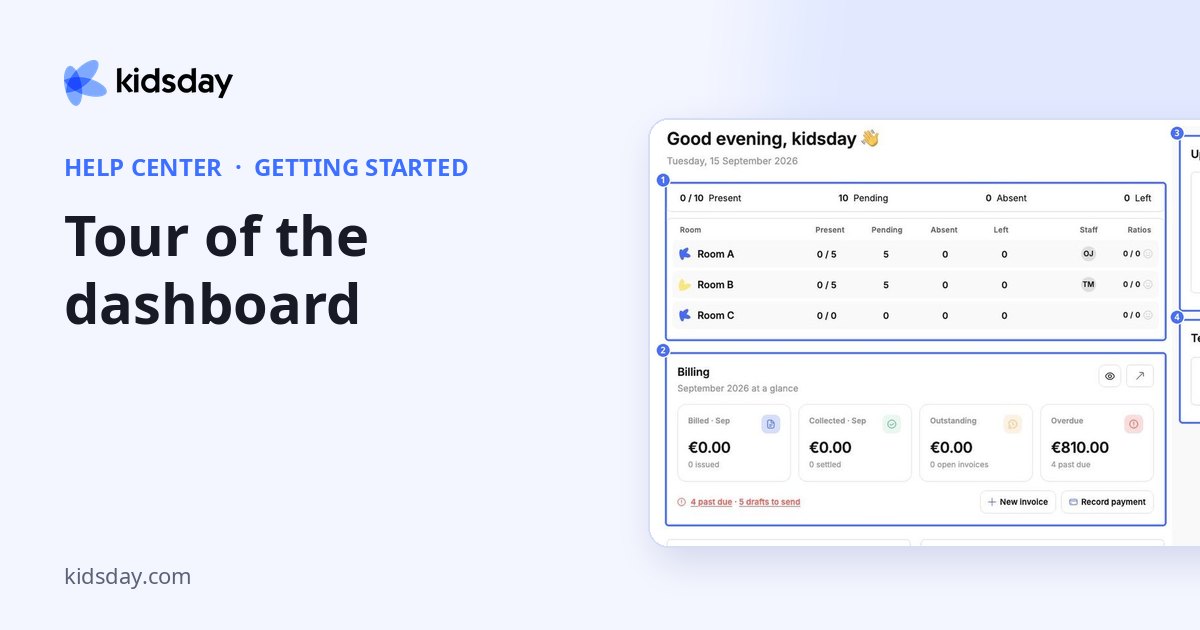
Dashboard is the first page you see after logging in. It greets you with today's date and summarizes what needs your attention.
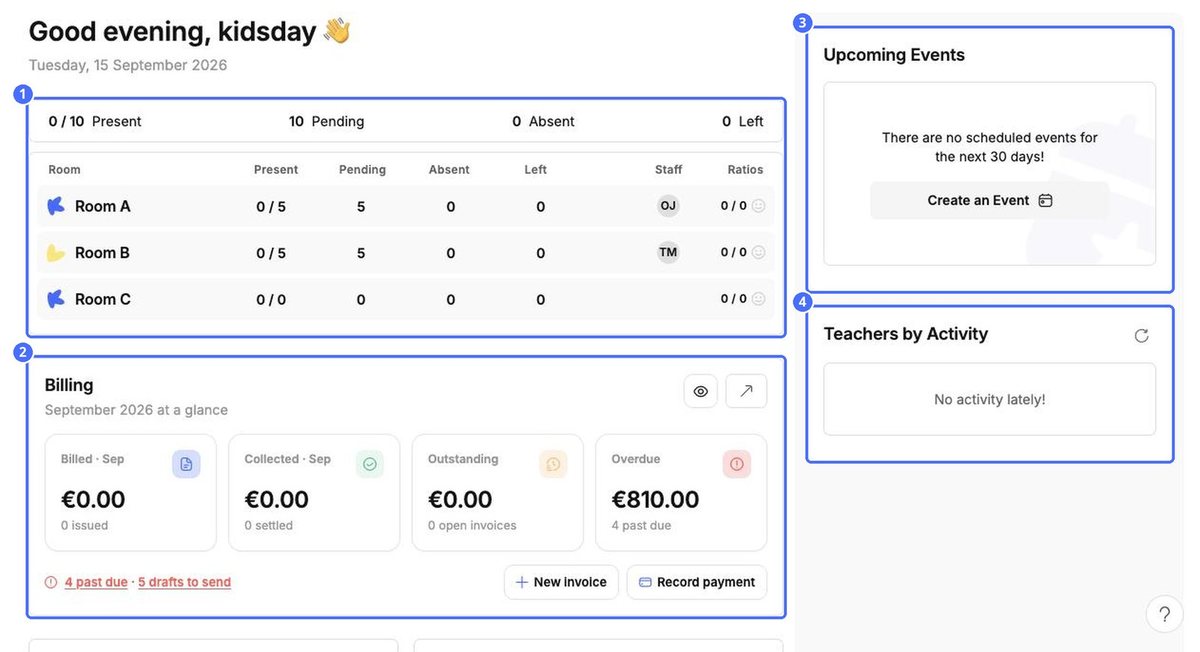
- 1 – Attendance today. How many children are Present, Pending, Absent or have Left, in total and per room, with the staff on duty and the staff-to-child Ratios.
- 2 – Billing. This month's Billed, Collected, Outstanding and Overdue amounts. Use the eye icon to hide the amounts, the arrow to open Finances, or New invoice and Record payment to act straight away. Red links such as past due and drafts to send take you to the invoices that need attention.
- 3 – Upcoming Events. Events in the next 30 days. Create an Event adds one to the calendar.
- 4 – Teachers by Activity. Which teachers have been recording activity recently. Use the refresh icon to update it.
Scroll down for two more panels and the latest articles from kidsday:
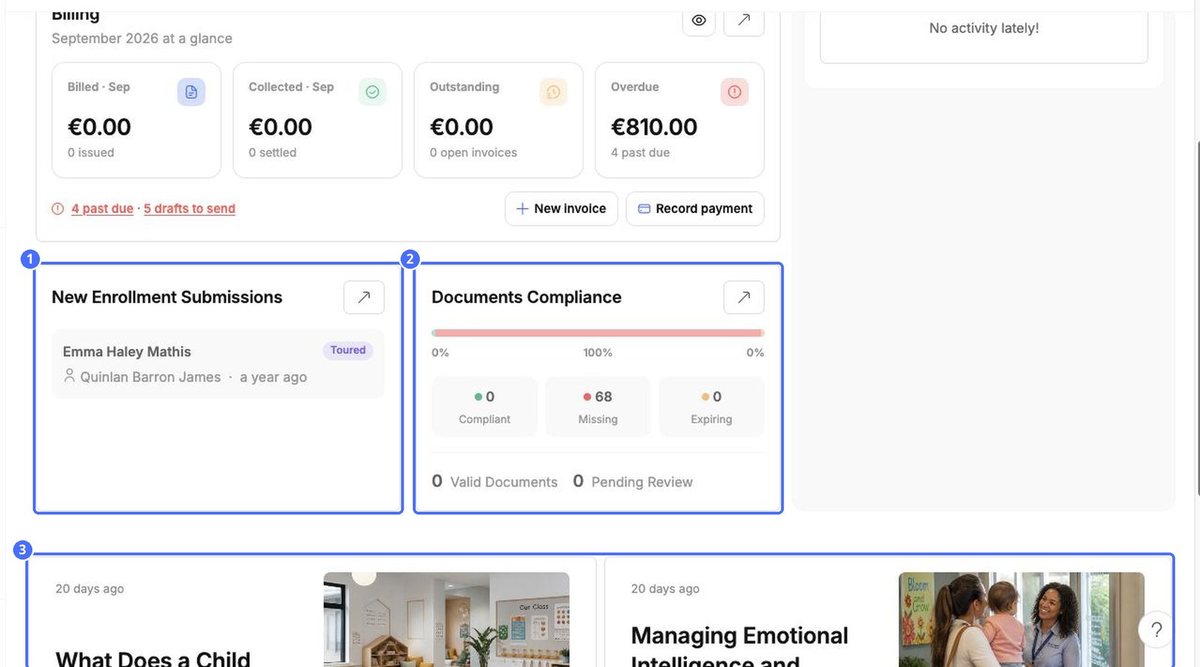
- 1 – New Enrollment Submissions. The newest applications and their stage (for example Toured). The arrow opens Enrollments.
- 2 – Documents Compliance. How many required documents are Compliant, Missing or Expiring, plus Valid Documents and those Pending Review.
- 3 – Articles. Tips and reading for childcare professionals.


