
You don't need to remember a password to use kidsday. Passwordless log in sends you a one-time code and signs you in with it. It is the quickest way in, and it works when you can't remember your password.
Sign in with a code
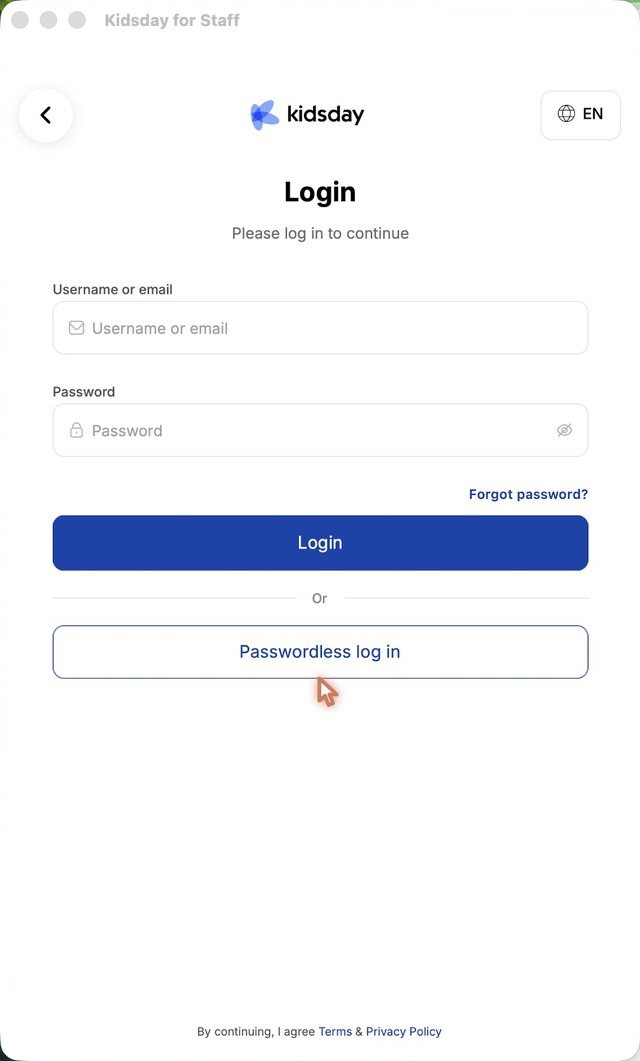
- On the welcome screen, tap Login.
- Tap Passwordless log in under the Login button.
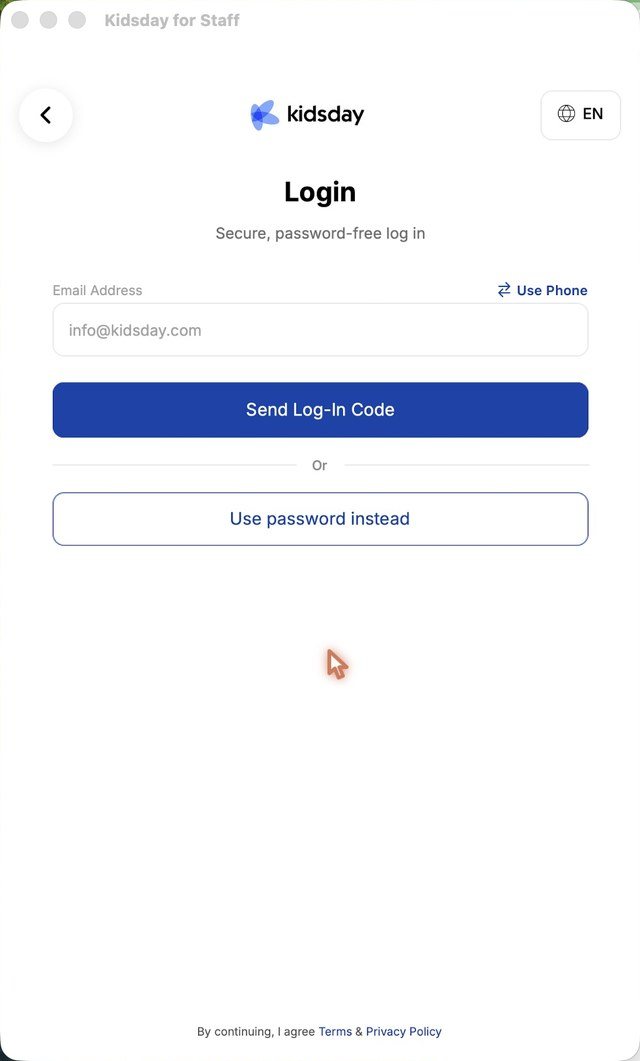
- Enter your email address, or tap Use Phone to get the code as a text message.
- Tap Send Log-In Code.
- Type the 6-digit code. The app signs you in as soon as the code is complete.
Note: The log-in code is valid for 5 minutes, the same as the code you used when you registered.
Going back to the password
- Tap Use password instead on the passwordless screen to return to the normal login.
- Log in with your username or email and your password, then tap Login.
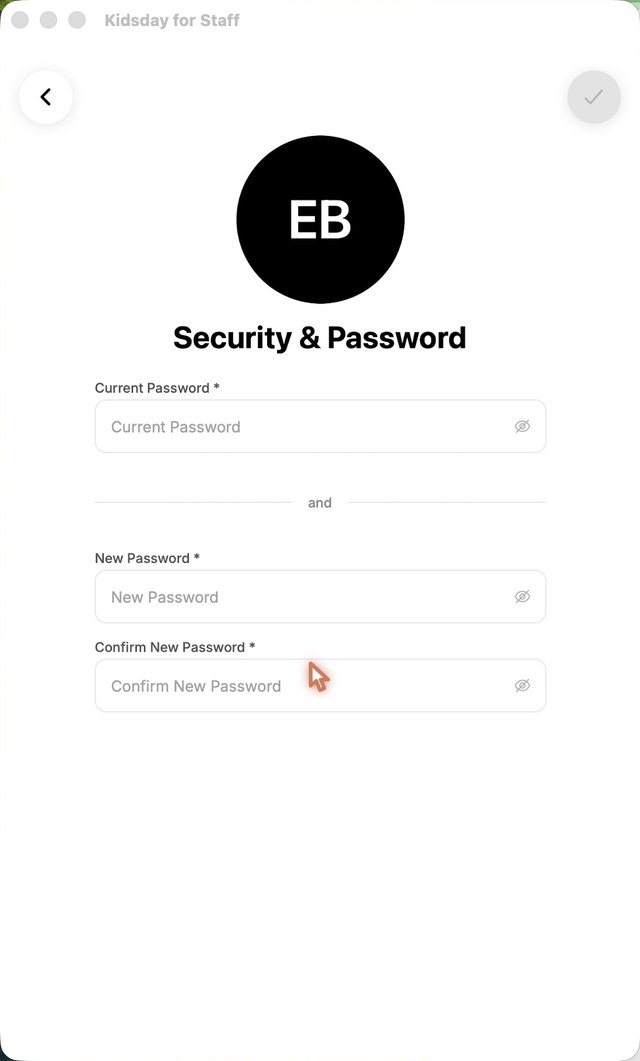
- To change your password later, open Profile › Security & Password.
Tip: Your email address has to be confirmed before it can receive log-in codes. Check it under Profile › Login & Verification, where each address shows as Confirmed or Not confirmed.


