
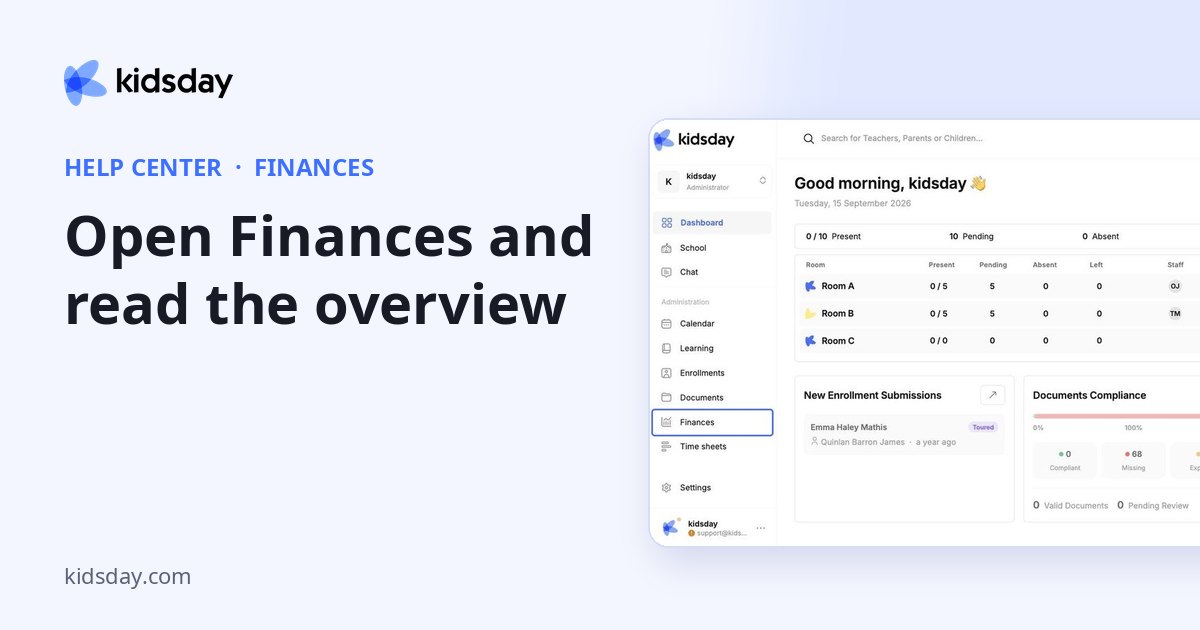
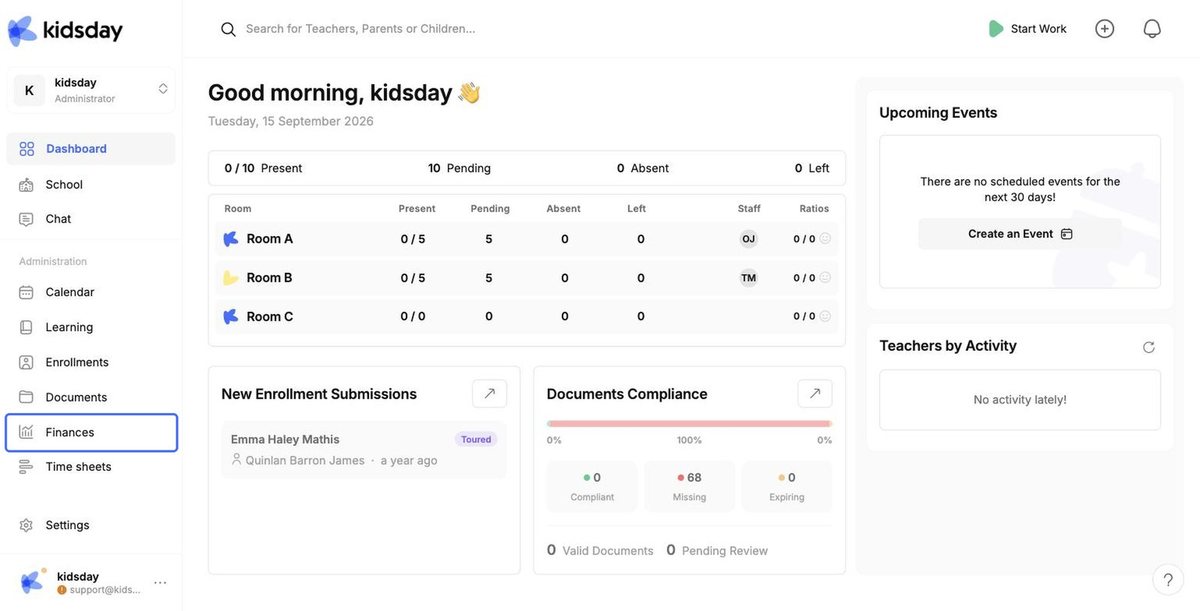
- In the left menu, click Finances.
- On the Overview tab, click Amounts hidden to reveal the figures. (Amounts are hidden by default so they are not visible to anyone looking at your screen.)
The overview gives you a snapshot of the selected month:
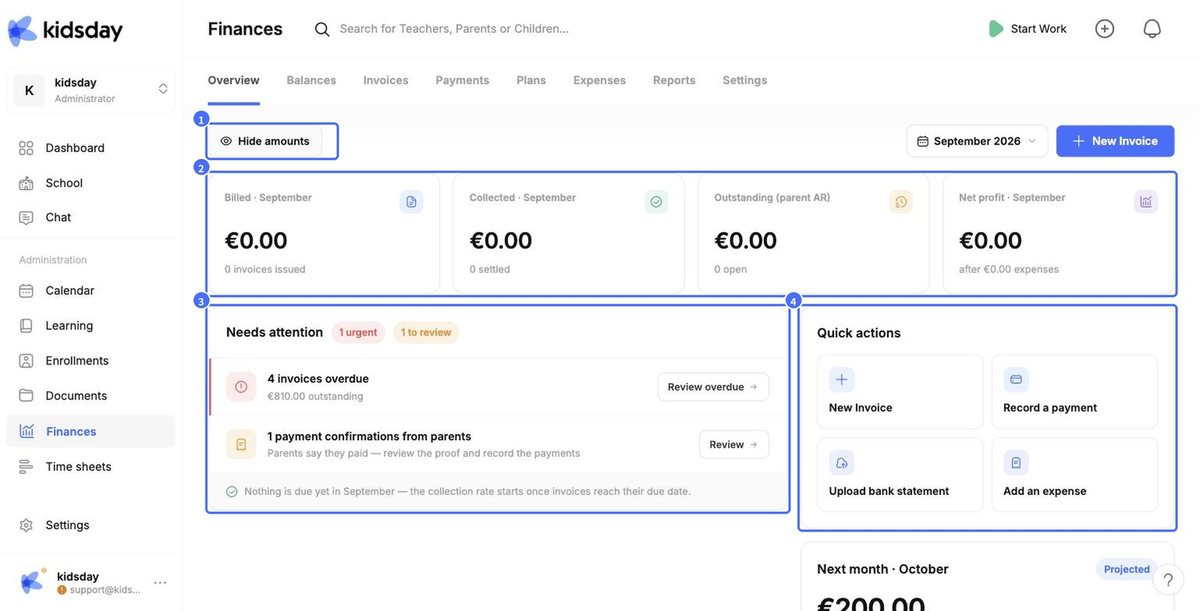
- 1 – Show / hide amounts. Reveal or hide all financial figures.
- 2 – Summary cards. Billed, Collected, Outstanding (what parents still owe) and Net profit after expenses. Use the month picker at the top right to change the month.
- 3 – Needs attention. Overdue invoices, payment confirmations sent by parents, draft invoices and children who cannot be billed. Each item has a button that takes you straight to it.
- 4 – Quick actions. One-click shortcuts: New Invoice, Record a payment, Upload bank statement, Add an expense.
Scroll down to see Next month: the projected revenue and how many children are not yet on a billing plan.


