
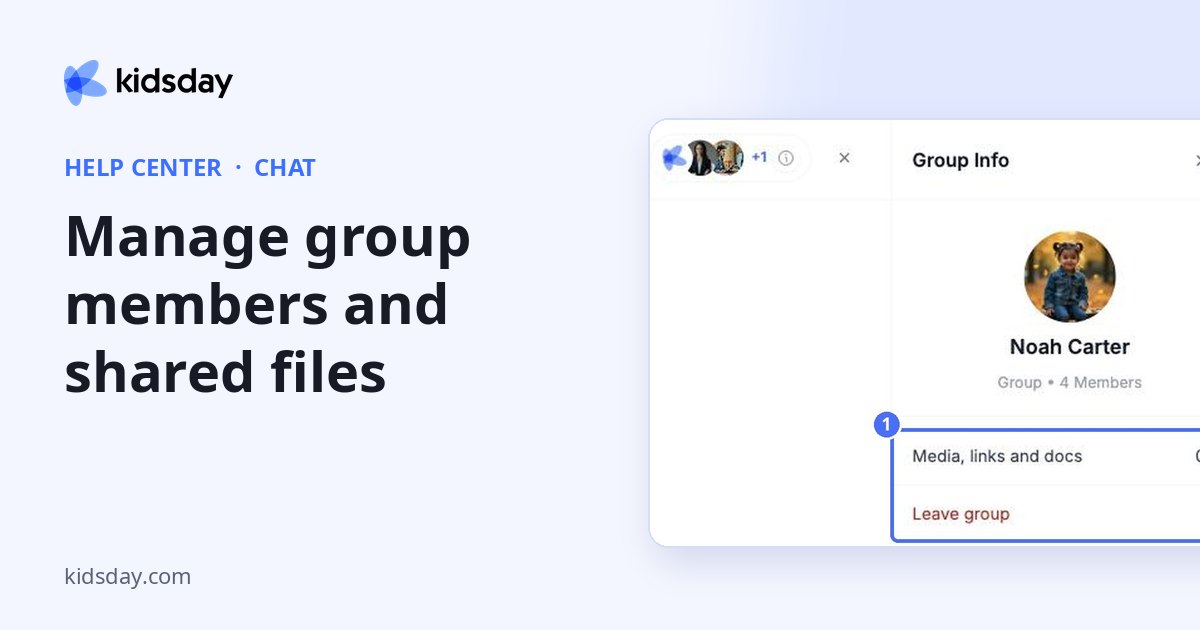
Click the member avatars or the i icon at the top of a conversation to open Group Info.
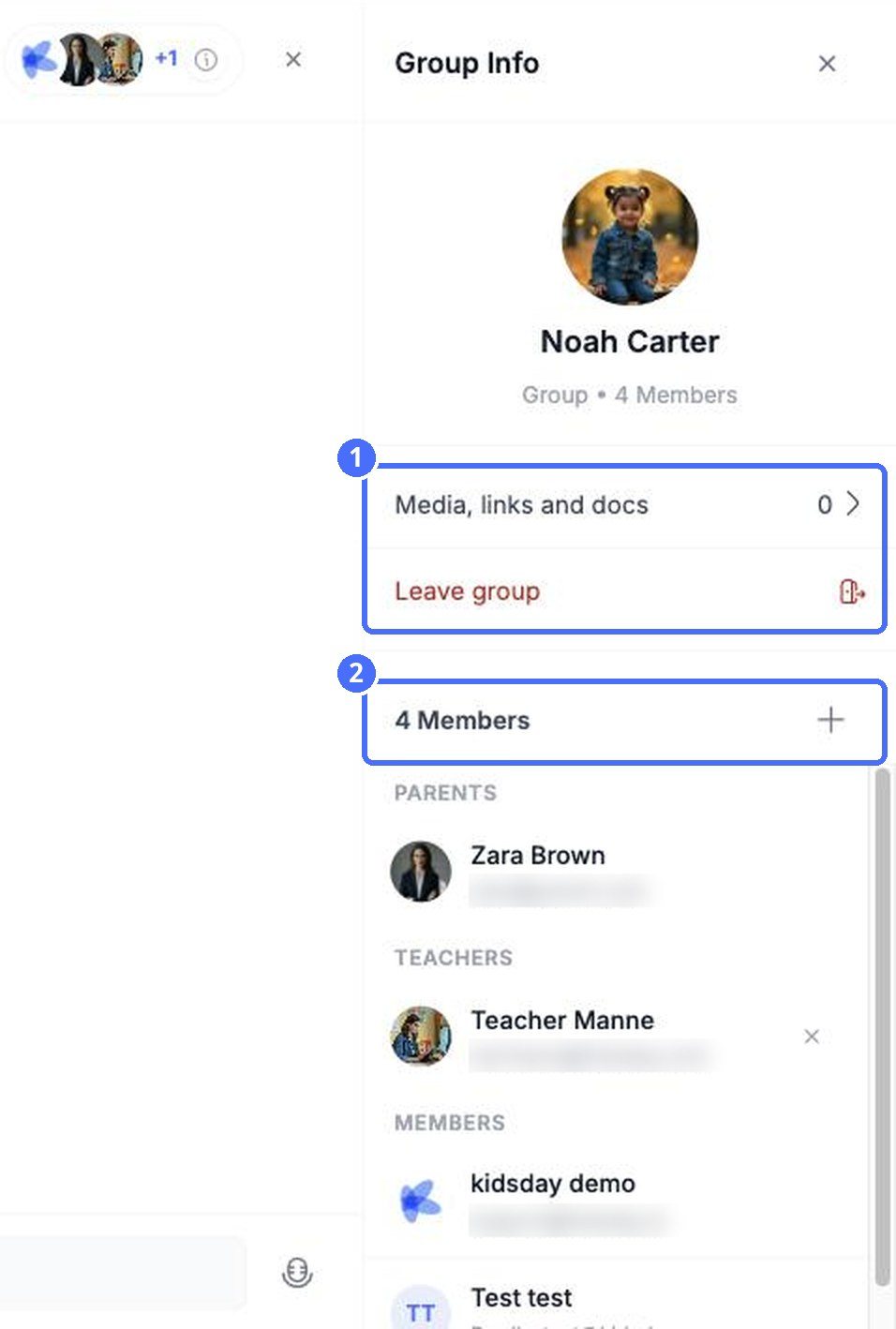
- Media, links and docs collects everything shared in the conversation.
- Members lists parents, teachers and other members. Click + to add someone, or the × next to a teacher to remove them.
- Leave group removes you from the conversation.


