
How to Organize Meetings with Parents in kidsday

The Appointment Planner is essential for efficient coordination and organization of meetings, consultations, and events.
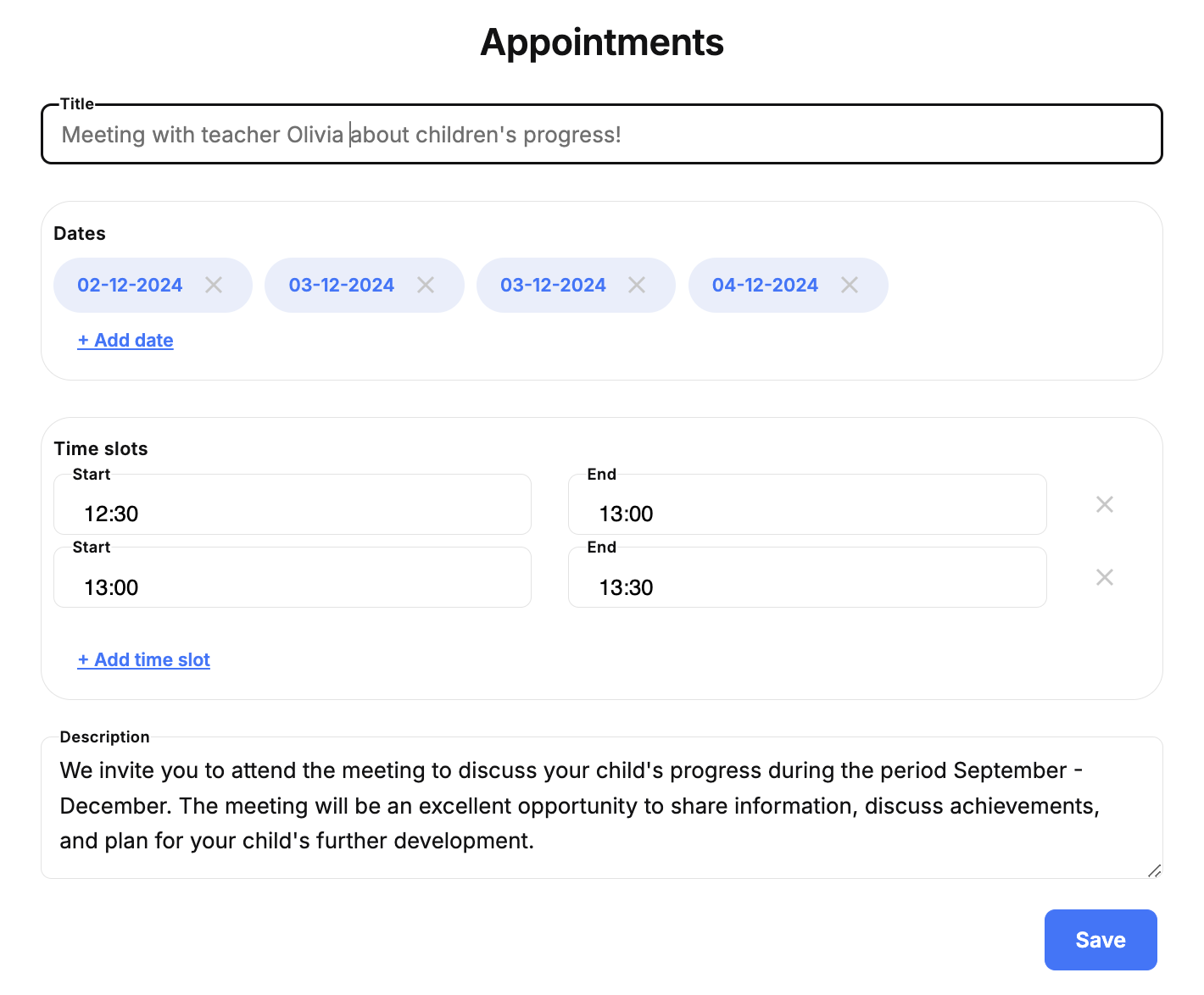

 
This feature in the kidsday allows parents to schedule meetings with educators or kindergarten staff to discuss topics related to their children. Below are the instructions for organizing and managing these meetings as an administrator:
  1. Select the Plans option, then click on Appointments
  2. Create a calendar, for example, Parent Meeting Calendar
  3. Open the newly created calendar to start organizing meetings.

To schedule a meeting:

  • Set a specific date.
  • Add meeting details, such as:
    • Purpose of the meeting (e.g., progress report, health concerns, etc.).
    • Location (e.g., classroom, office, or virtual meeting link).

İlgili konular

Merkezinizi, ekibinizi ve çocuklarınızı güçlendirin