
It is essential for administrators to have a platform where they can easily notify parents about various events and updates. With the Kidsday app, administrators can efficiently communicate important information to parents. Here's how they can do it:
- Go to the Planner section in the app.
- Select Events.
- Create a New Calendar.
- Click on the date you want to notify parents about.
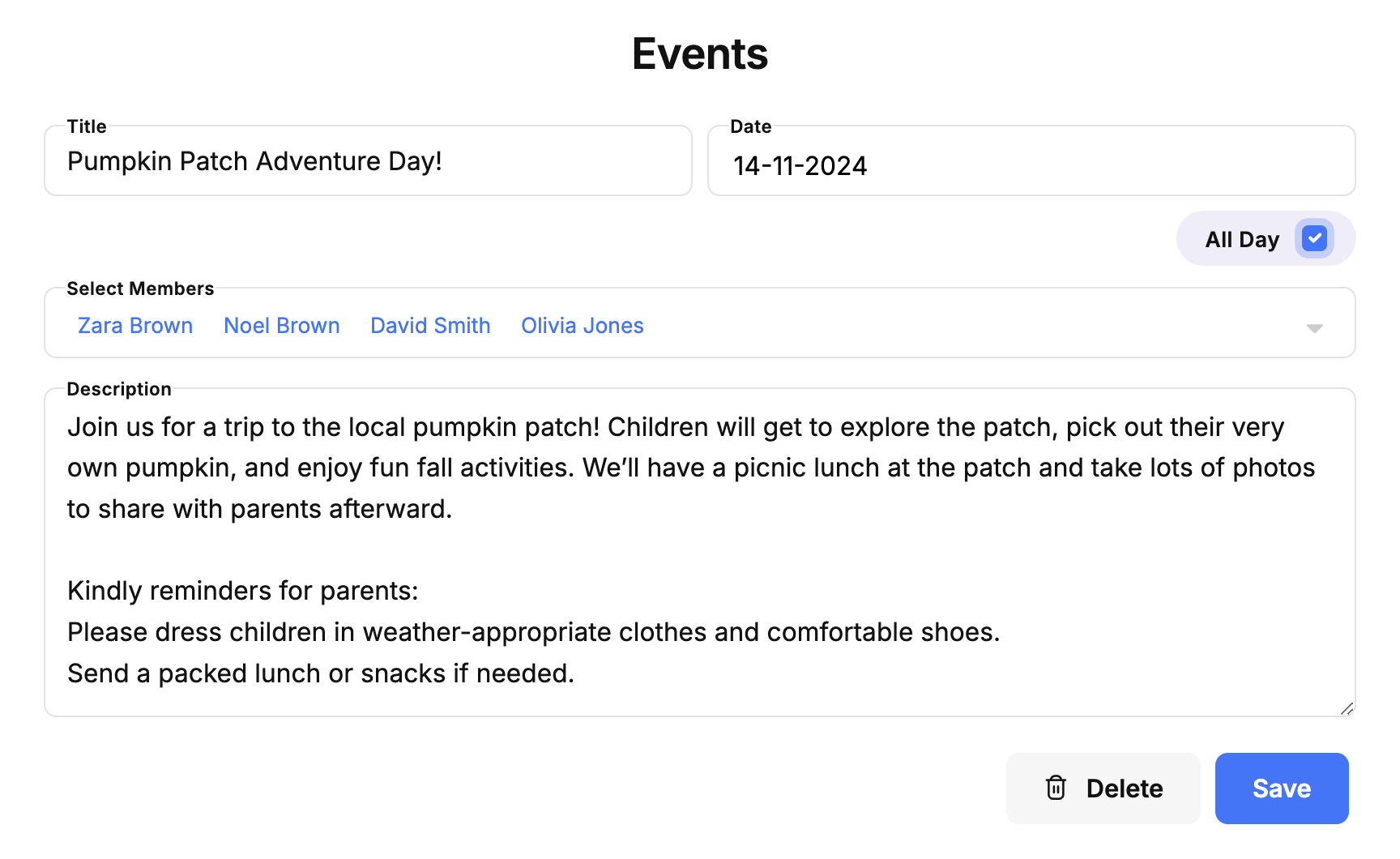
- Provide the details of the event or announcement and define the participants for the event.
Important:
For general announcement, ensure that you have selected the "All Day" option.
For notifications that need approval, specify the review time.


