
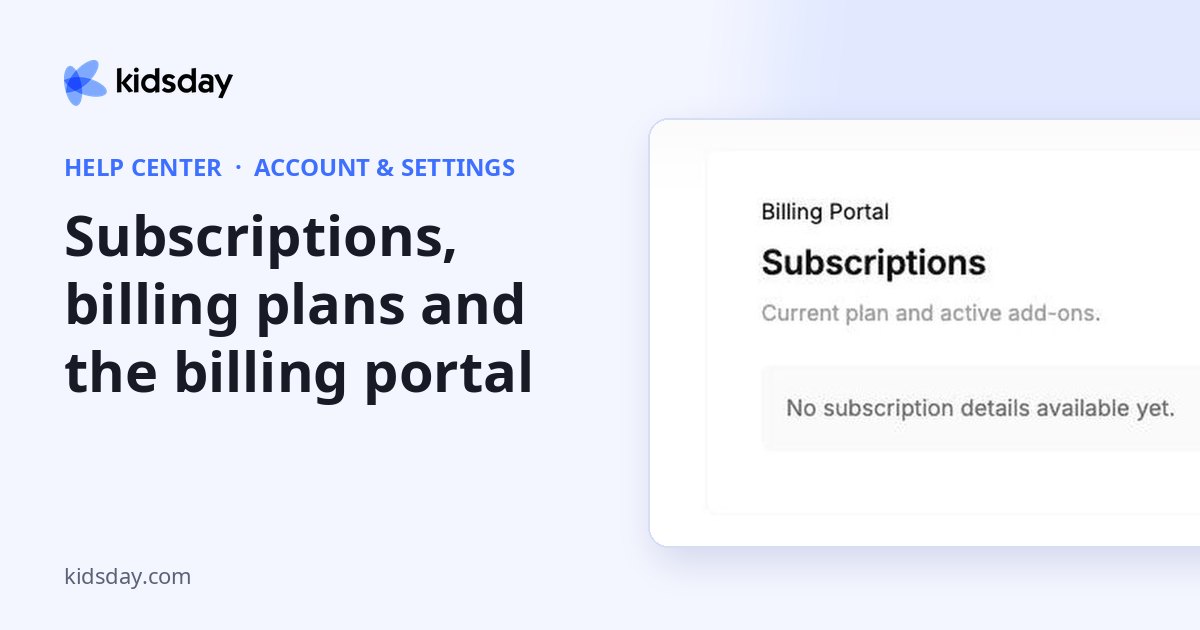
The Subscriptions tab shows your current plan and any active add-ons.
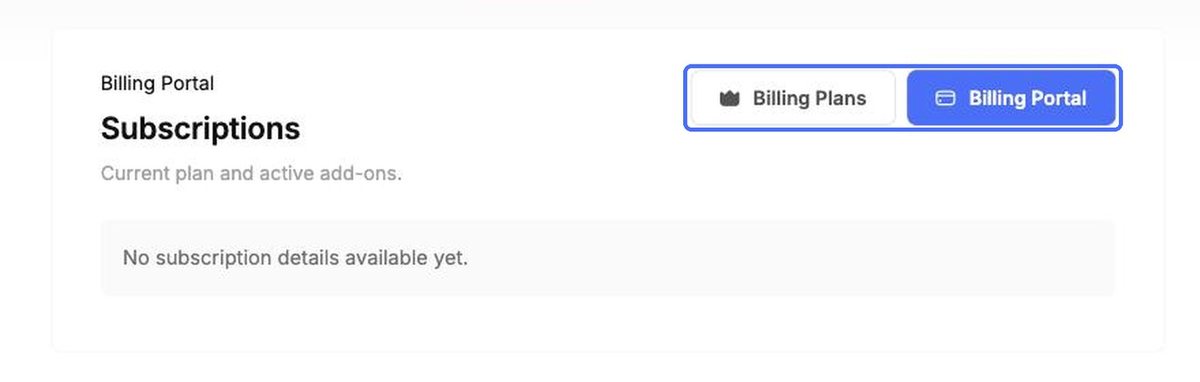
- Billing Plans shows the kidsday plans (Basic, Advanced and Premium) so you can compare them and subscribe.
- Billing Portal opens your billing account, where you can manage payment details and invoices.
Tip: Add-ons such as the AI Lesson Planner also show their status on their own pages, for example Learning › Settings.
Your own profile
To change your own name, photo, language or password, open the account menu at the bottom of the main menu and choose My Profile. See the topic “Your profile, language, password and login verification”.


