
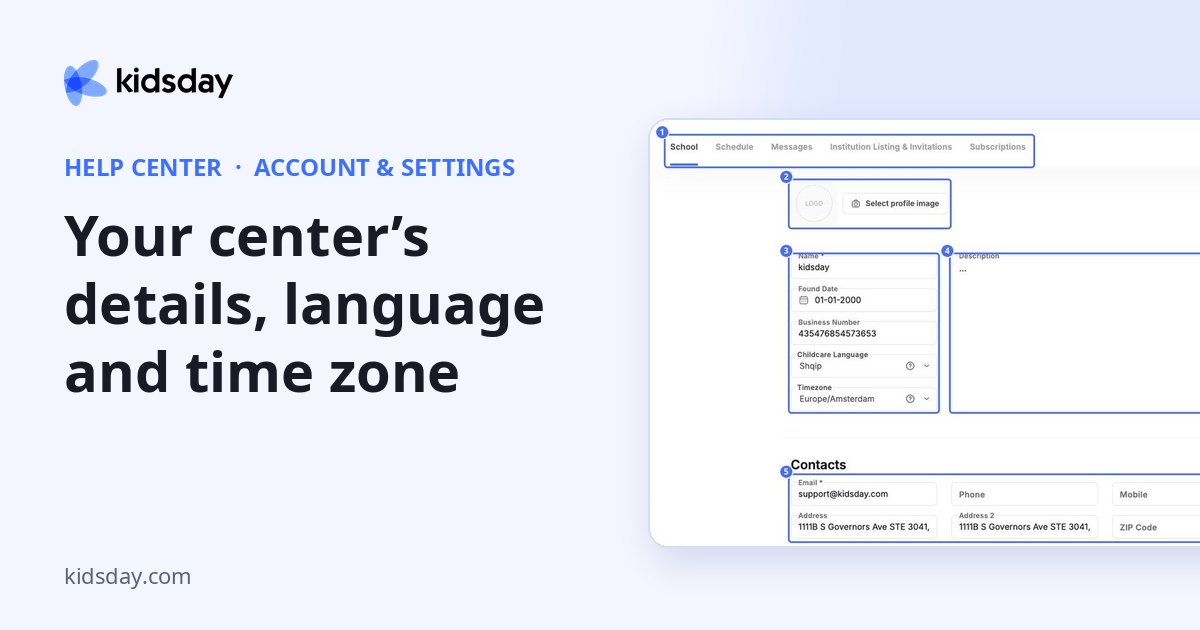
Settings has five tabs: School, Schedule, Messages, Institution Listing & Invitations and Subscriptions. Each tab has its own Save button.
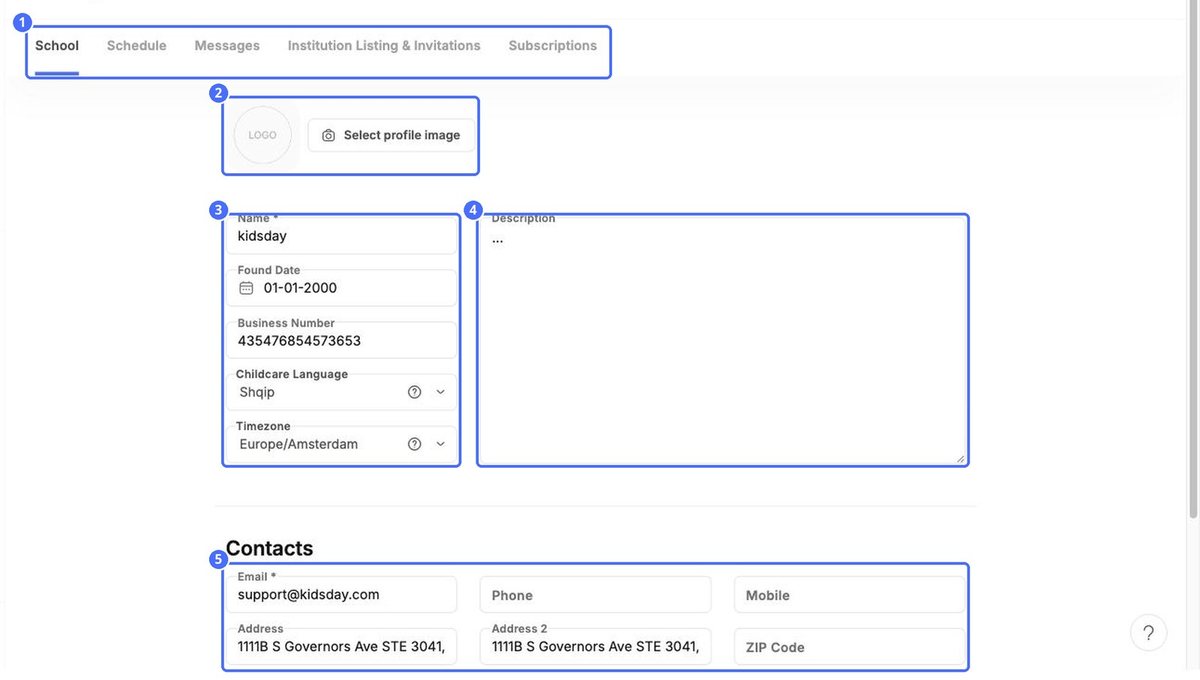
- Click Select profile image to upload your logo.
- Check the Name, Found Date and Business Number.
- Choose the Childcare Language. kidsday sends you notifications in this language.
- Choose your Timezone. It decides how times appear in the app.
- Write a short Description of your center.
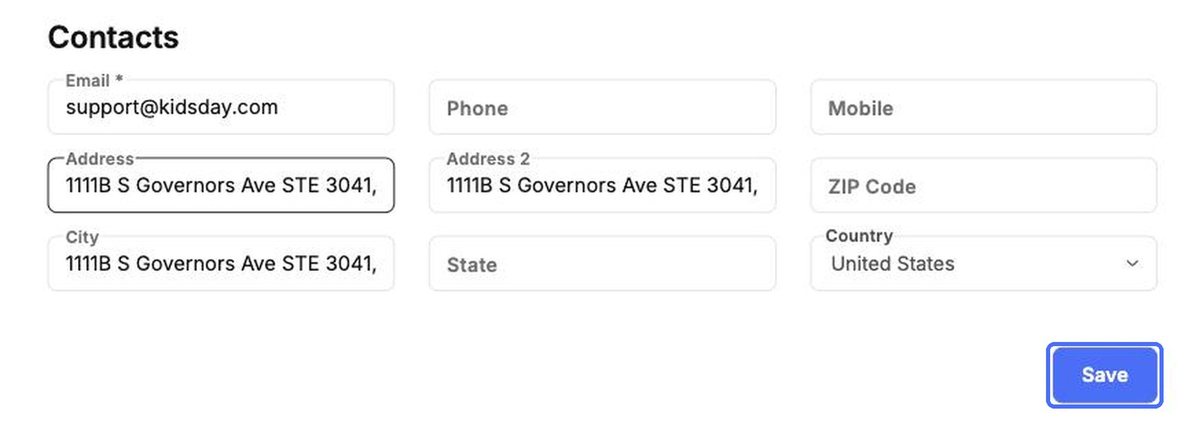
- Under Contacts, fill in the email, phone, mobile and address.
- Click Save at the bottom.
Note: Changing the timezone changes how every time in the app is shown. Check it before you start recording attendance.


