
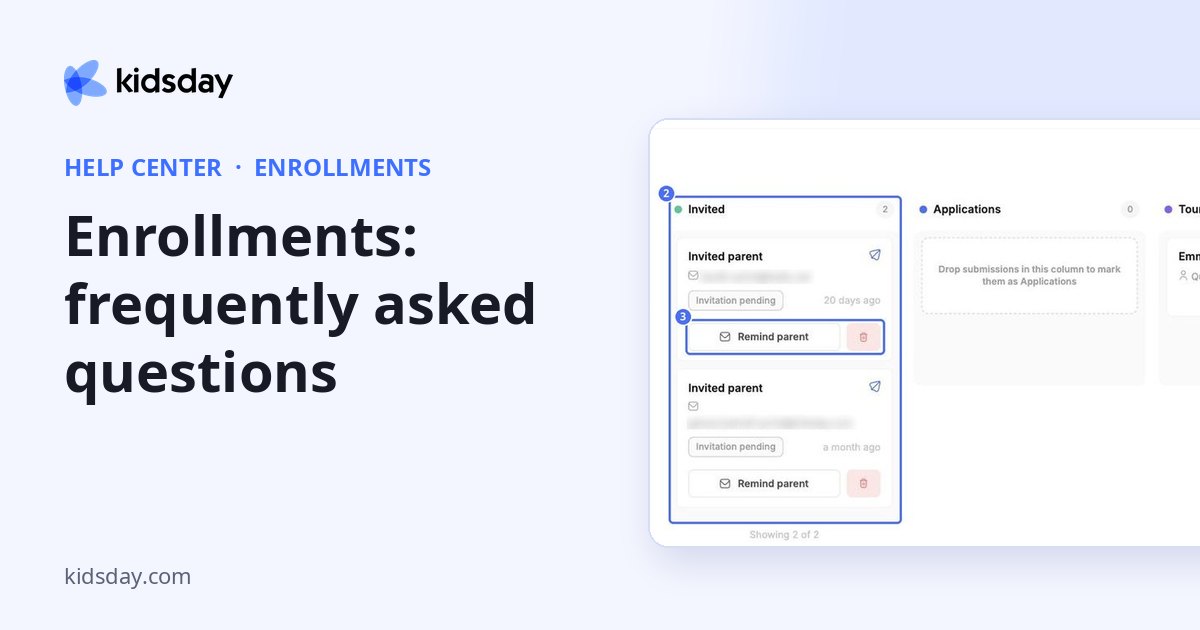
A family says they never got the invitation. What can I do?
Check the email address on their card in the Invited column and click Remind parent. You can also send them the form link from Invite Parents › Share by Link.
Where do new applications appear?
In the Applications column, where you can open, print and review them.
How do I ask a family to fix a mistake in their form?
Open their card and click Return for Correction.
Can I move a family back to an earlier step?
Yes. Open the card and choose any status under Change status, or drag the card to another column.
How do I check the form before families see it?
Open Customize Form and click Preview. The form opens in a new tab exactly as families will see it.


