
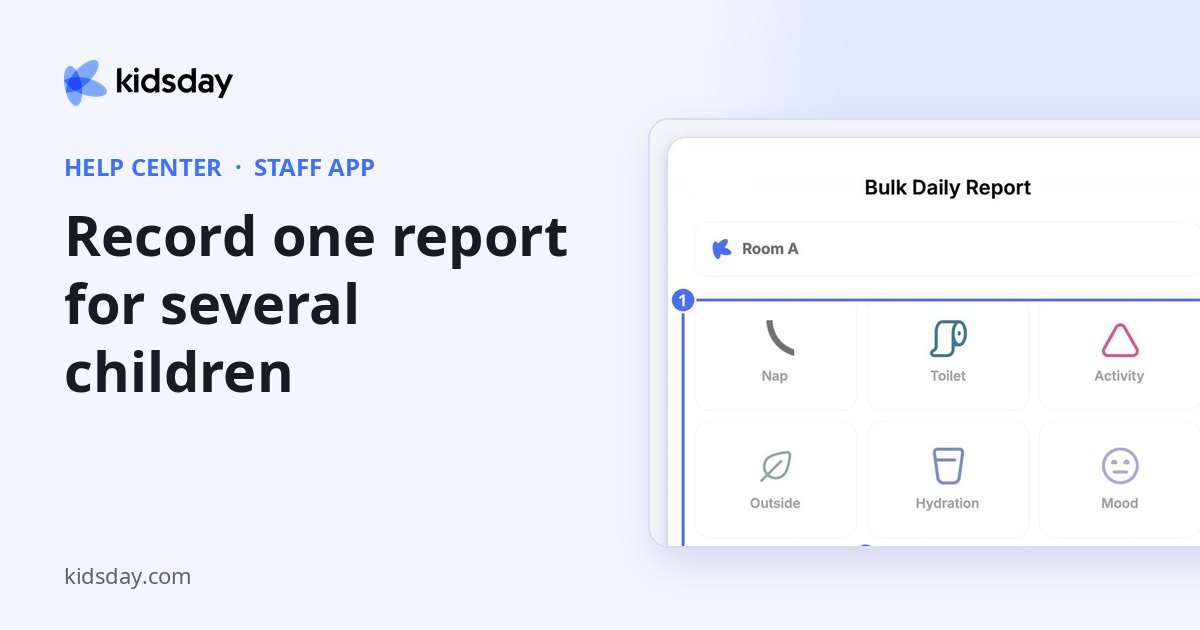
The Bulk Daily Report saves time when the same thing happened for several children, for example when the whole room had lunch.
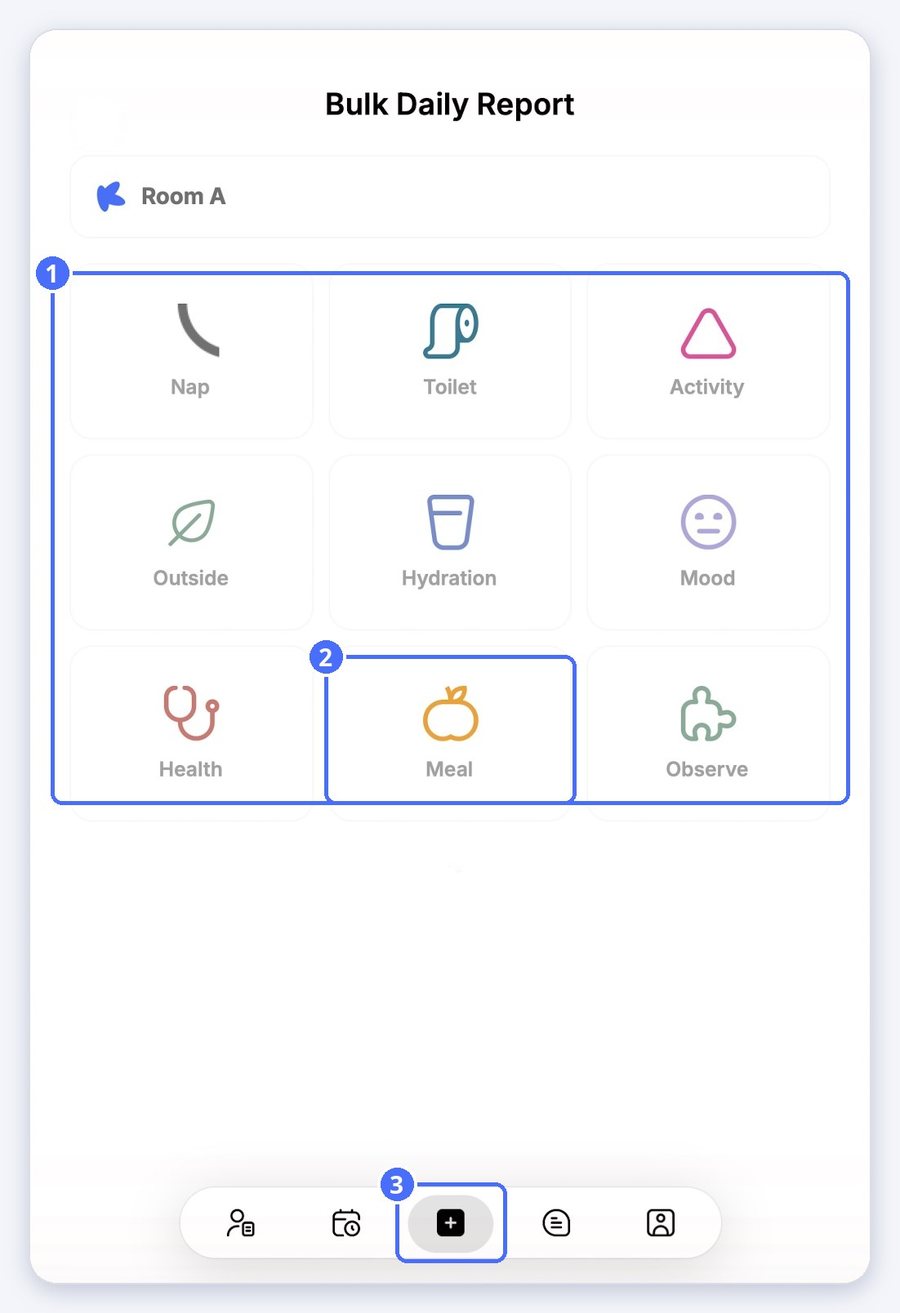
- Tap the plus button in the bottom bar.
- Tap the report type, for example Meal.
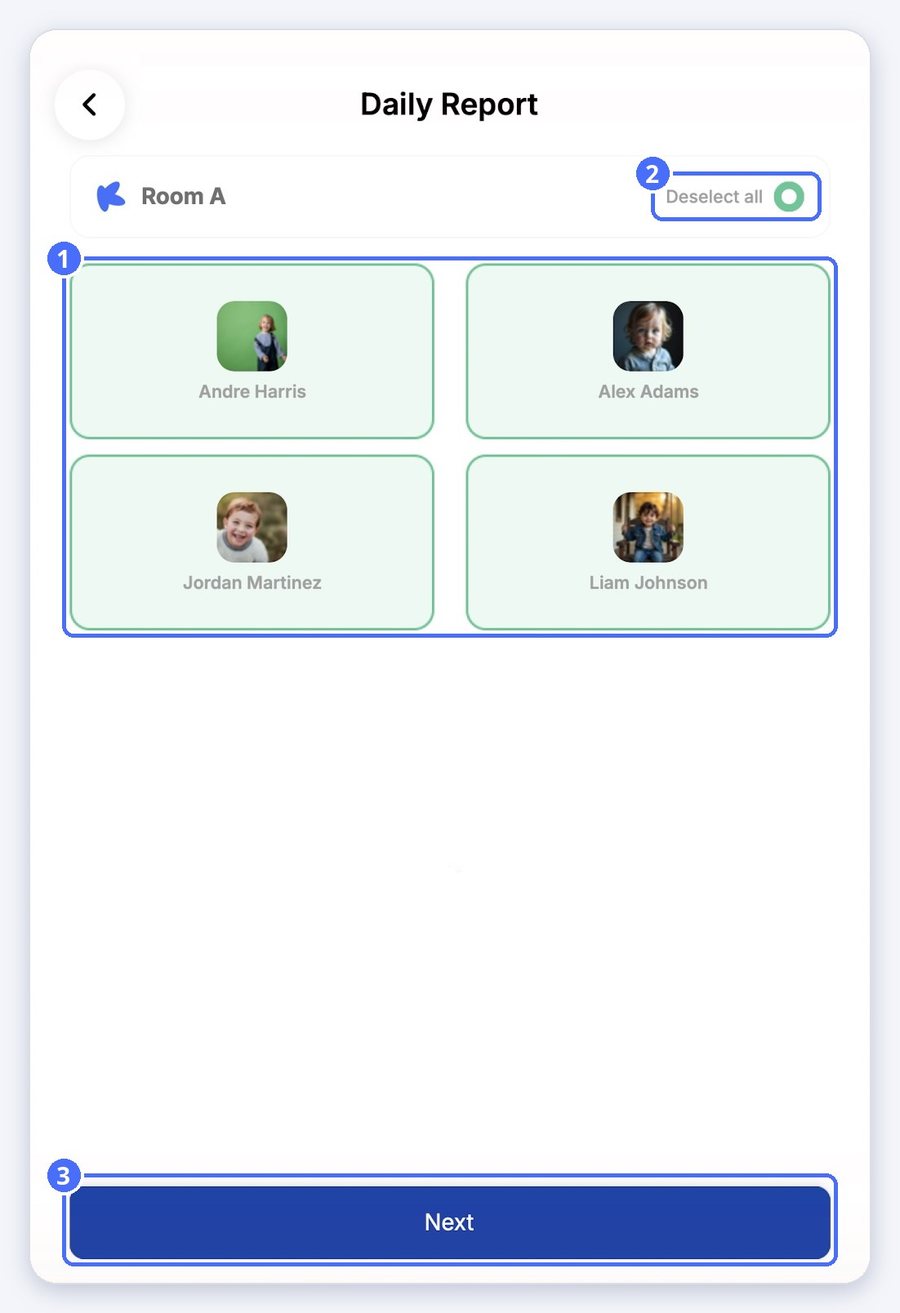
- Tap each child the report applies to, or tap Select all.
- Tap Next.
- Fill in the report. For a meal, select the quantity consumed: 0, 50%, 80% or 100%.
- Add a description or a photo if you like.
- Tap Save. The report is added to every selected child's daily report.
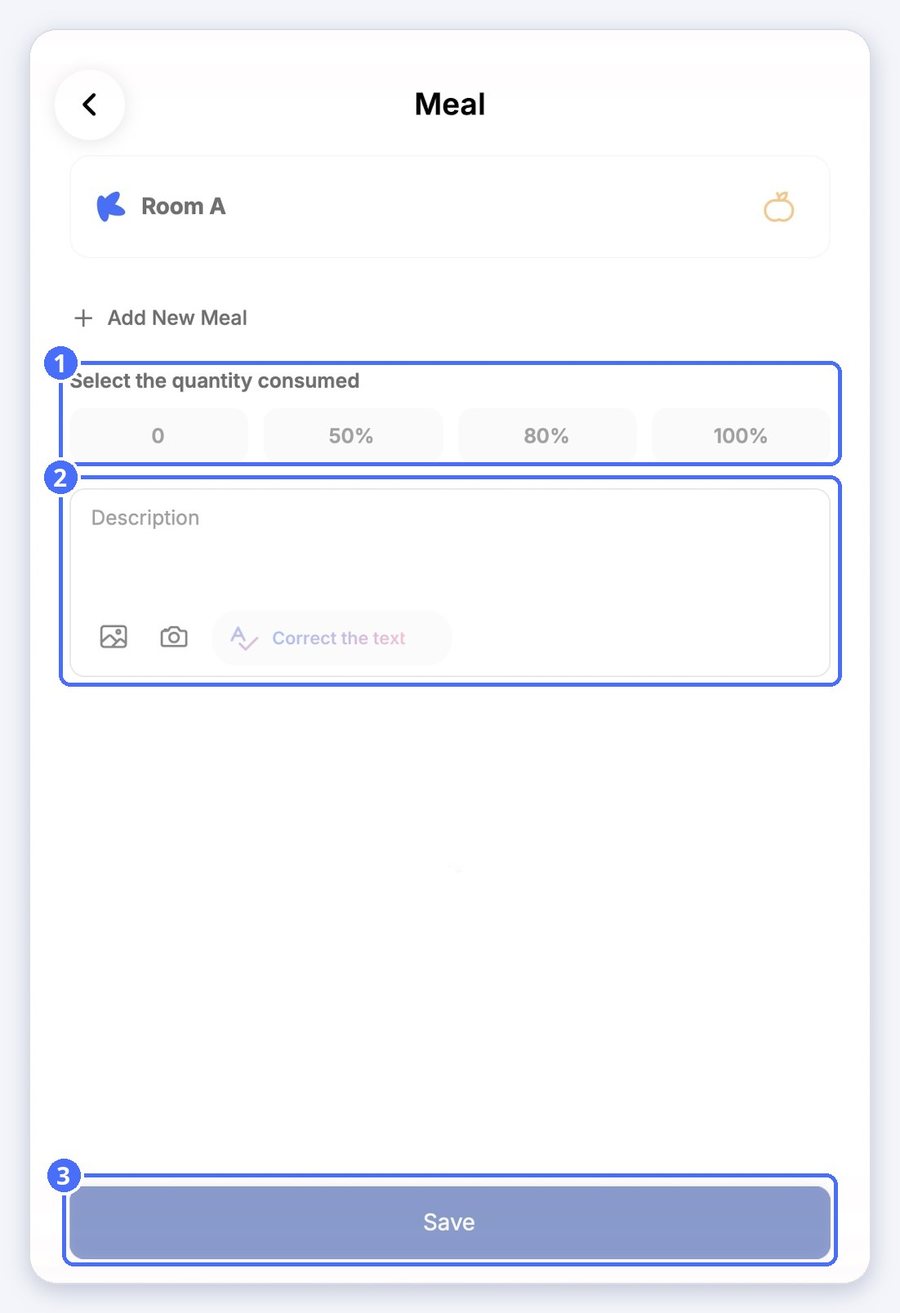
Tip: Tap Add New Meal to record another meal in the same report.


