Calendar has two tabs: Calendar for everything that happens at your center, and Meals for the weekly menu.
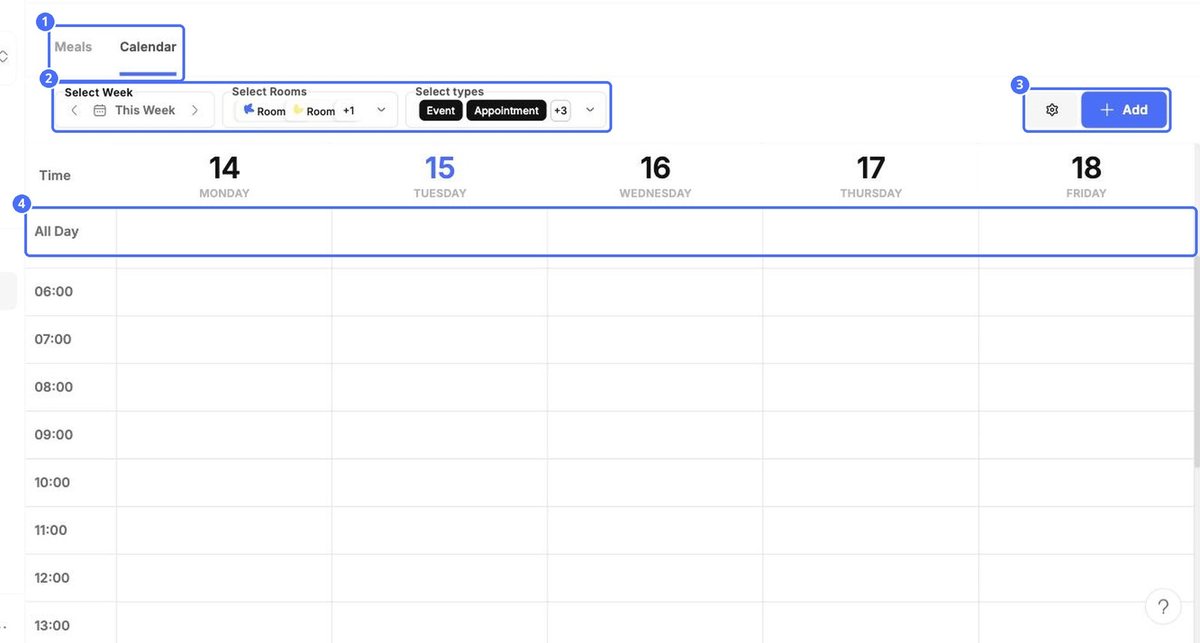
- Select Week: move between weeks with the arrows.
- Select Rooms: show the items for one or more rooms.
- Select types: choose which kinds of items to show.
- The grid shows each day by the hour. Items without a time appear in the All Day row.
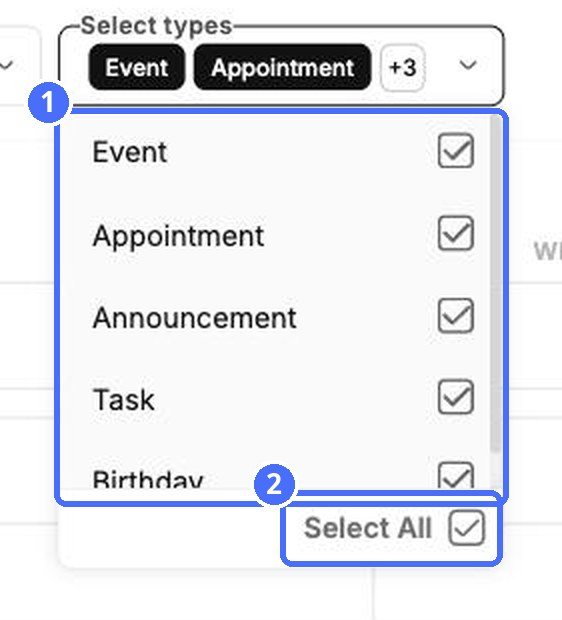
| Type | Use it for |
|---|---|
| Event | Things happening at the center, such as a trip, a party or a closing day. |
| Appointment | Time slots families or staff can book, such as parent-teacher meetings. |
| Announcement | News you want families to see on a given day. |
| Task | To-dos for your team, with a status. |
| Birthday | Children's birthdays. You can show or hide them with the type filter. |
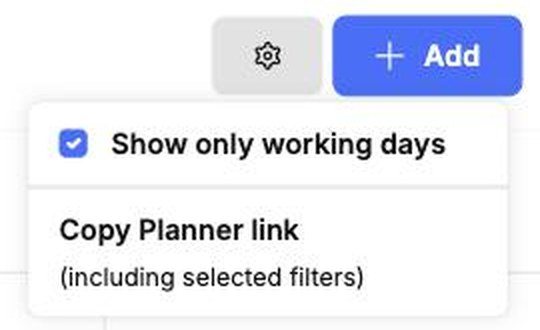
The gear button offers Show only working days to hide the weekend, and Copy Planner link to copy a link to the calendar with your current filters.