
Switch between centers
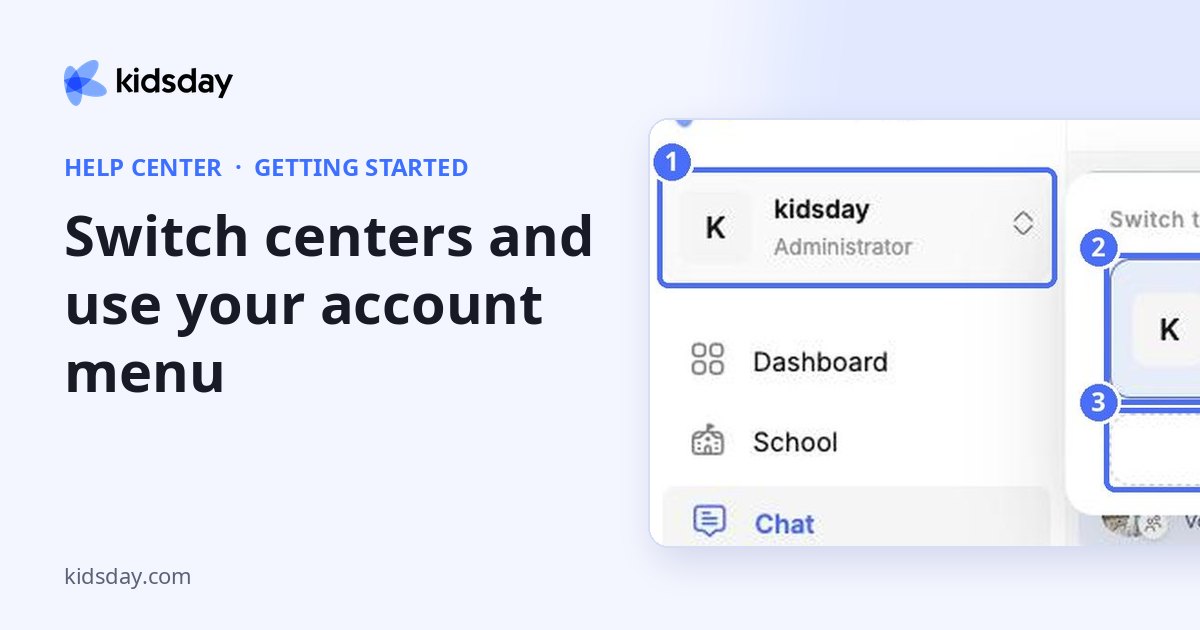
If you work in more than one kidsday center, you can switch between them without logging out.
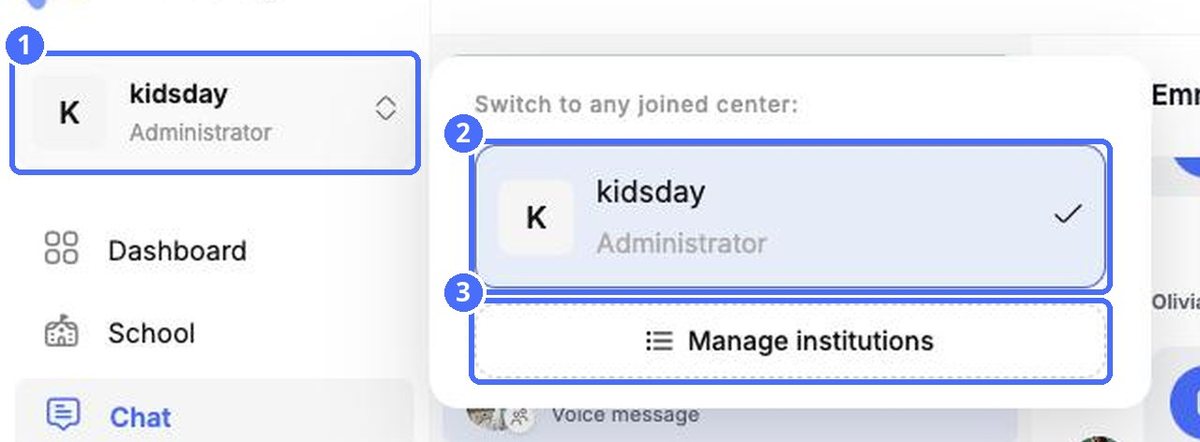
- Click the center switcher at the top of the sidebar.
- Under Switch to any joined center, choose the center you want. The current one has a check mark.
- Use Manage institutions to see and manage all the centers you belong to.
Your account menu
Click your name at the bottom of the sidebar to open the account menu.
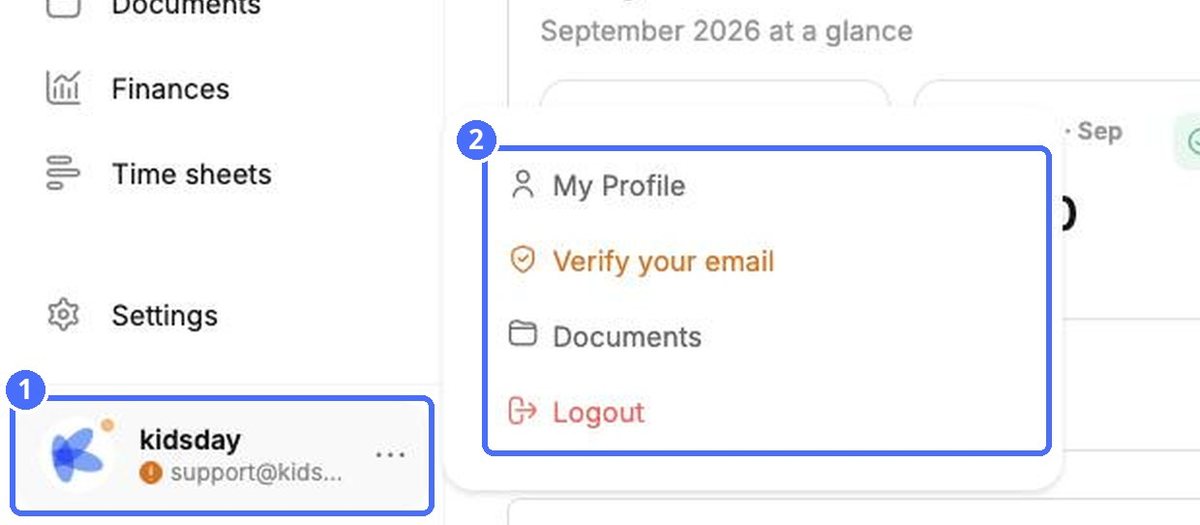
- My Profile – your personal details, password and login settings (see “Your profile, language, password and login verification”).
- Verify your email – appears while your email address is not yet confirmed. The small orange dot on your picture is a reminder.
- Documents – a shortcut to the Documents area.
- Logout – signs you out of kidsday on this device.


