
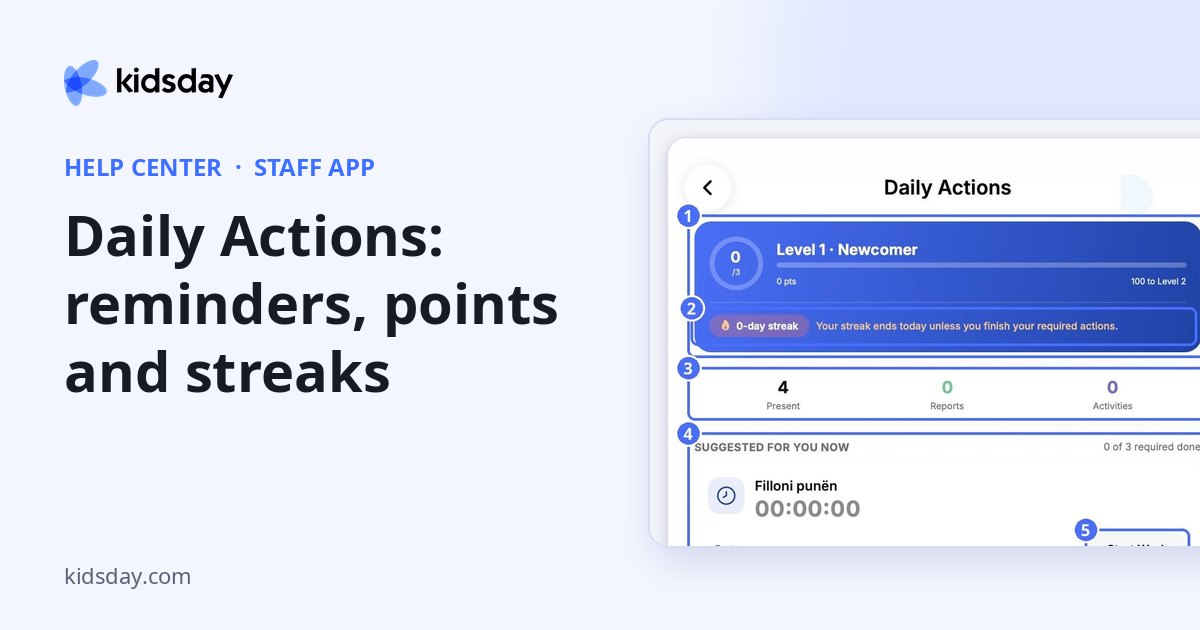
Daily Actions helps you remember your daily reporting, such as starting your working hours or taking the attendance register. Every action you complete earns points.
- On the Children screen, tap the Daily Actions button at the top right.
- Check your level, your streak and today's counters.
- Under Suggested for you now, complete the actions that are due.
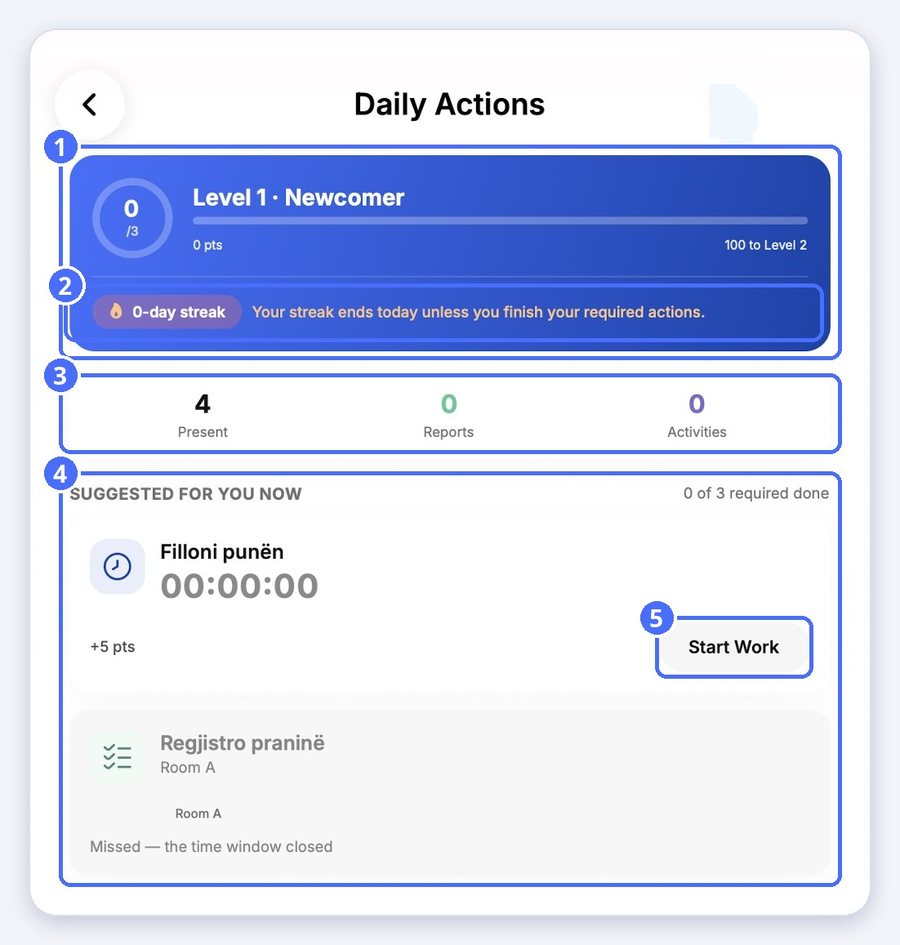
- Level: completing daily actions earns points, and points move you up a level.
- Streak: grows every day you finish your required actions. The app tells you when your streak ends today unless you finish them.
- Present, Reports, Activities: how many children are present and how many reports and activities you've recorded today.
- Suggested for you now: the actions due now, with the points each one gives. Missed actions show when their time window has closed.
Tip: The Daily Actions button and its reminders are shown in your school's language, even if you use the app in another language.


