v3.1.3
Instructional videos now available in the Help Center.
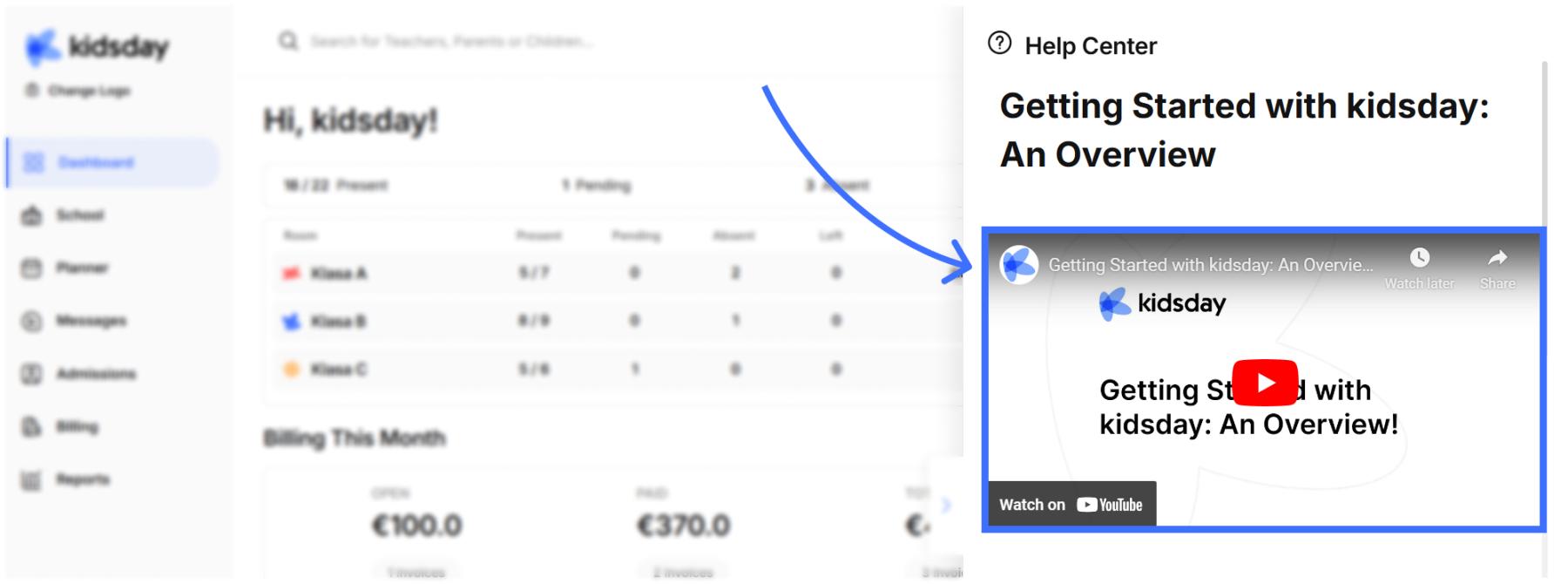
When you click on the Help Center in kidsday, to learn how to use all the functions of the app, you can now find attached instructional videos for each function. These videos are designed to make all processes easier to understand, and they are currently available in English.
"Subscribe Now" Option.
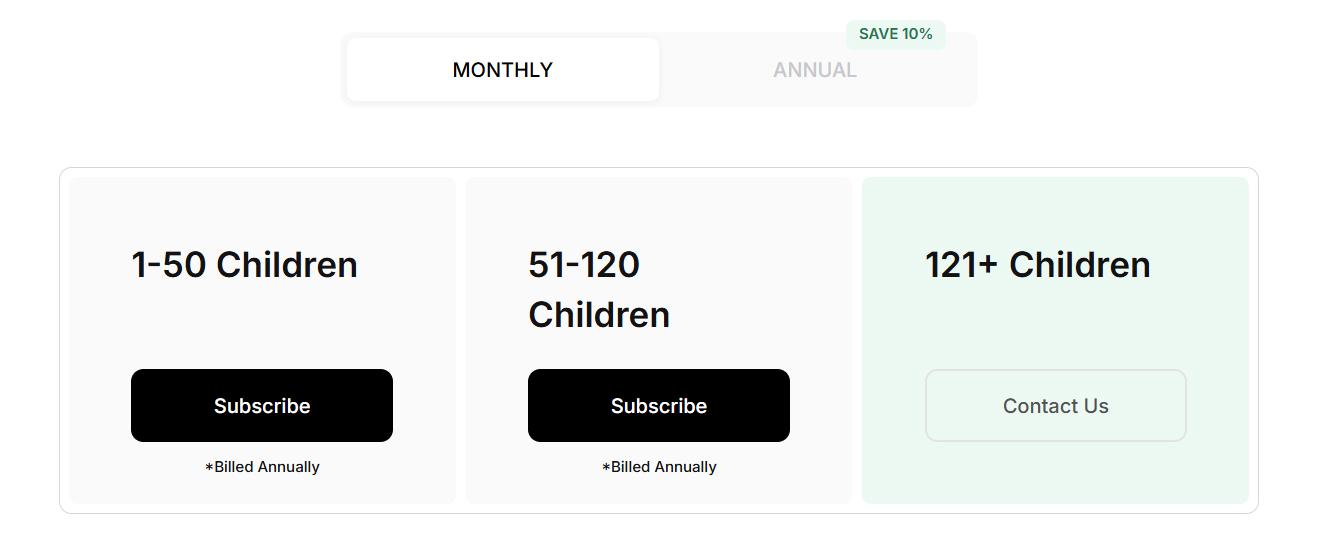
Administrators can now view the pricing and benefits of a kidsday subscription. This helps administrators clearly understand their options and choose the plan that best fits their needs.
The issue where a teacher clicks on "Show Report" and now has the option to delete a report if done mistakenly.
When the teacher wants to send a development report to the parents, they can now generate it without any issues. The preview of the report will display in the correct format, allowing the teacher to review and send the report smoothly.
The issue where a teacher attempts to generate the development report.
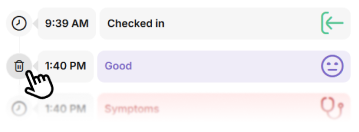
The ability to delete a report mistakenly created by the teacher is now possible. After clicking on the child's name for which you want to delete a specific report, click "Show Report", and then on the icon that appears on the left side (the clock symbol), now the option to delete the report will be visible, making it easy to remove it.
The sorting of meal times in the food calendar
A bug in the sorting of meal times has been fixed. Previously, meals were sorted alphabetically (e.g., Lunch, Breakfast, Snack), but now they are sorted according to the serving schedule, for example: "Breakfast", "Lunch", "Snack", to provide a more logical and understandable order.