Create anything from the + menu
The + button in the top bar opens a shortcut menu, so you can start common tasks from any page.
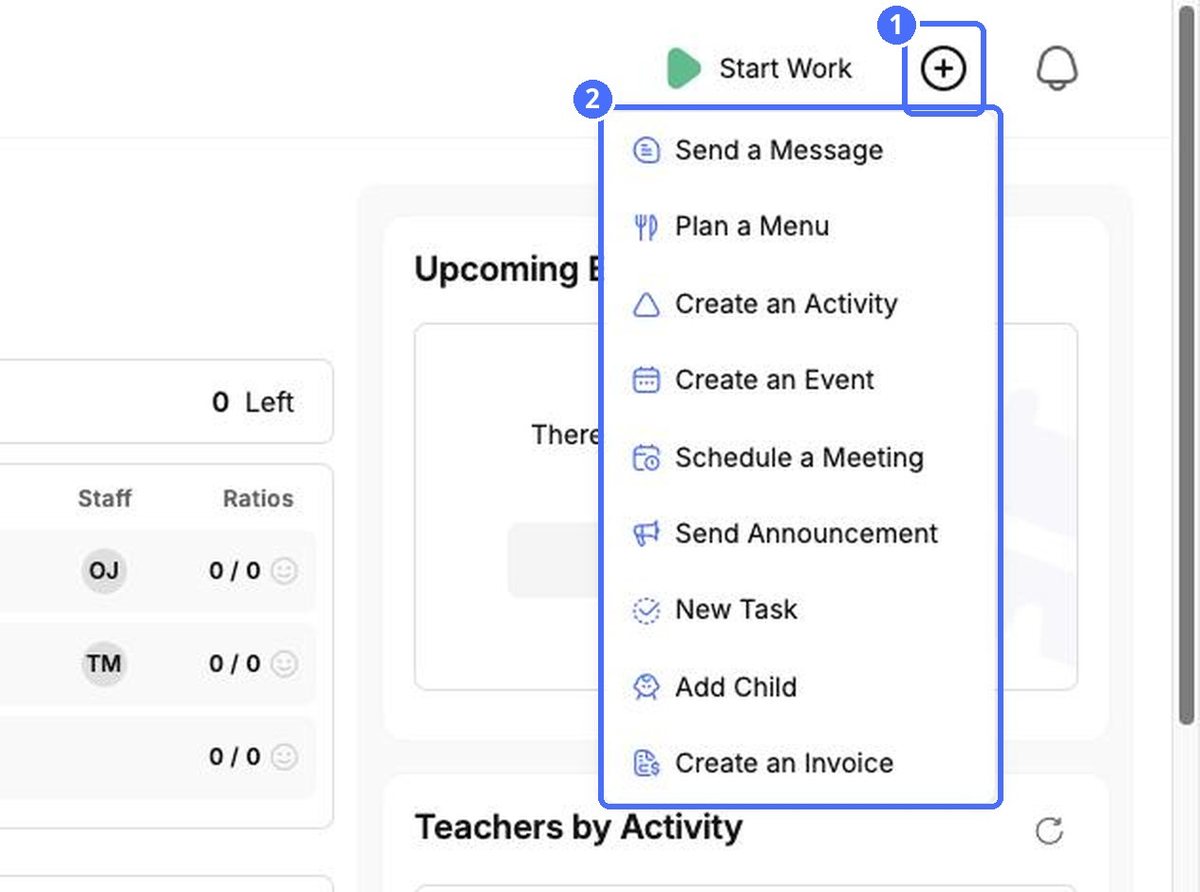
| Quick action | What it does |
|---|---|
| Send a Message | Starts a new chat conversation. |
| Plan a Menu | Opens meal planning in Calendar. |
| Create an Activity | Adds an activity to the Learning planner. |
| Create an Event | Adds an event to the Calendar. |
| Schedule a Meeting | Books a meeting, for example with a family. |
| Send Announcement | Sends a message to many families at once. |
| New Task | Creates a new task. |
| Add Child | Adds a new child to your center. |
| Create an Invoice | Opens the invoice creator in Finances. |
Search for people
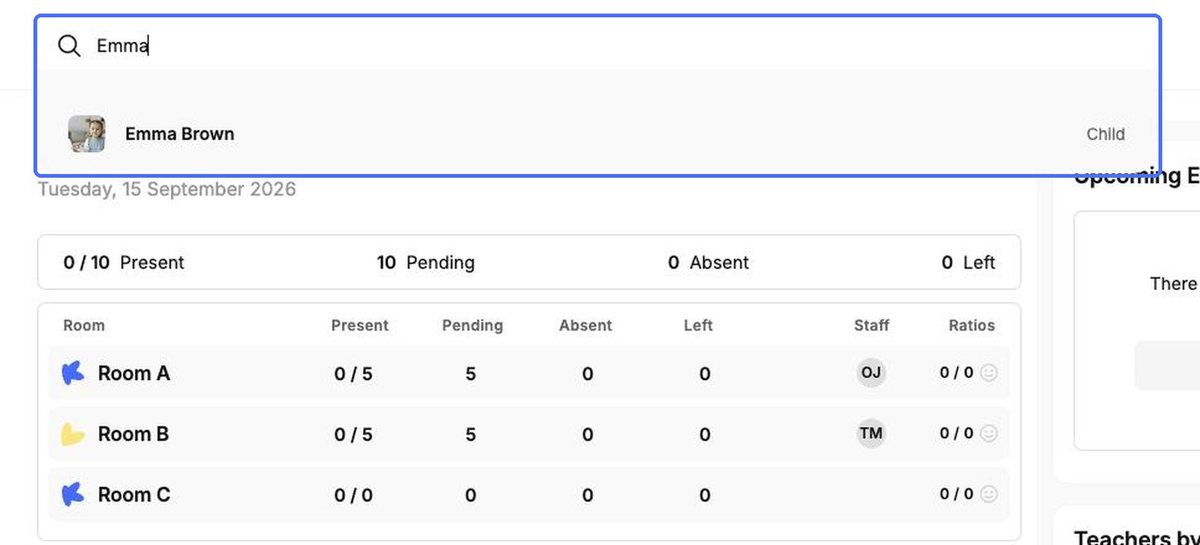
- Click the search bar at the top: Search for Teachers, Parents or Children…
- Type part of a name. Matching people appear as you type, labeled Child, Parent or Teacher.
- Click a result to open that person's profile.