
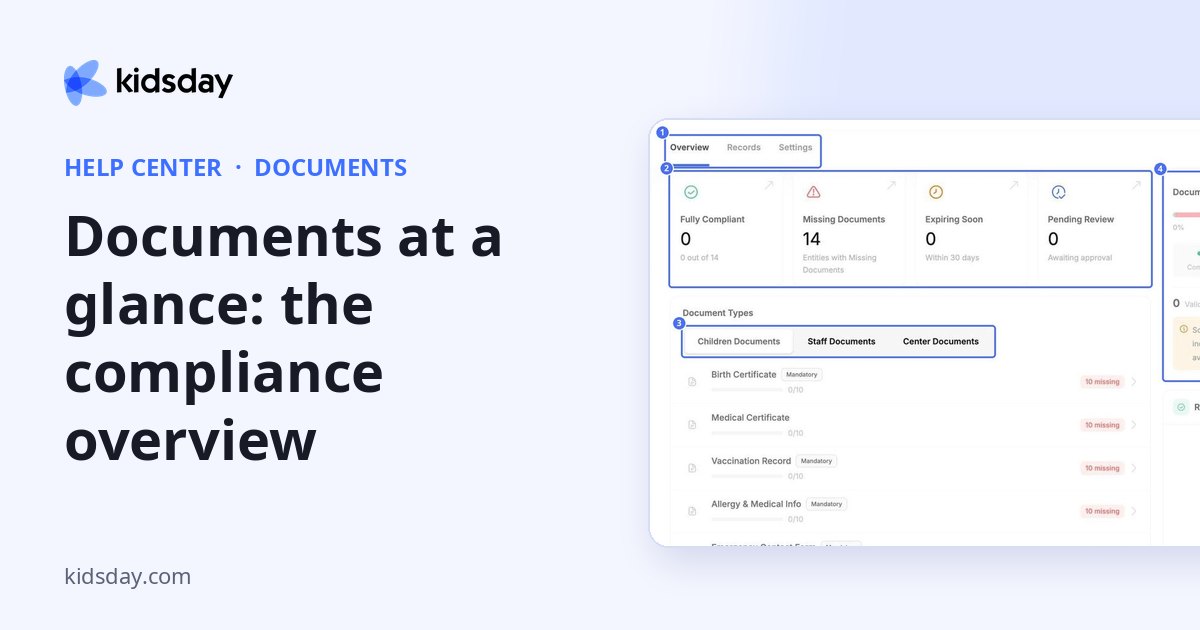
Documents shows which records are complete and which are still missing. It has three tabs: Overview, Records and Settings.
Documents are grouped into three kinds:
| Kind | Examples |
|---|---|
| Children Documents | Birth certificate, medical certificate, vaccination record, allergy and medical info, emergency contact form, custody or legal documents, tuition agreement. |
| Staff Documents | ID or passport copy, background check, first aid certificate, teaching qualification, employment contract. |
| Center Documents | Operating license, fire safety certificate, health and safety inspection, insurance policy. |
Note: These are the document types a new center starts with. You can change them, switch them off or add your own on the Settings tab.
The Overview tab
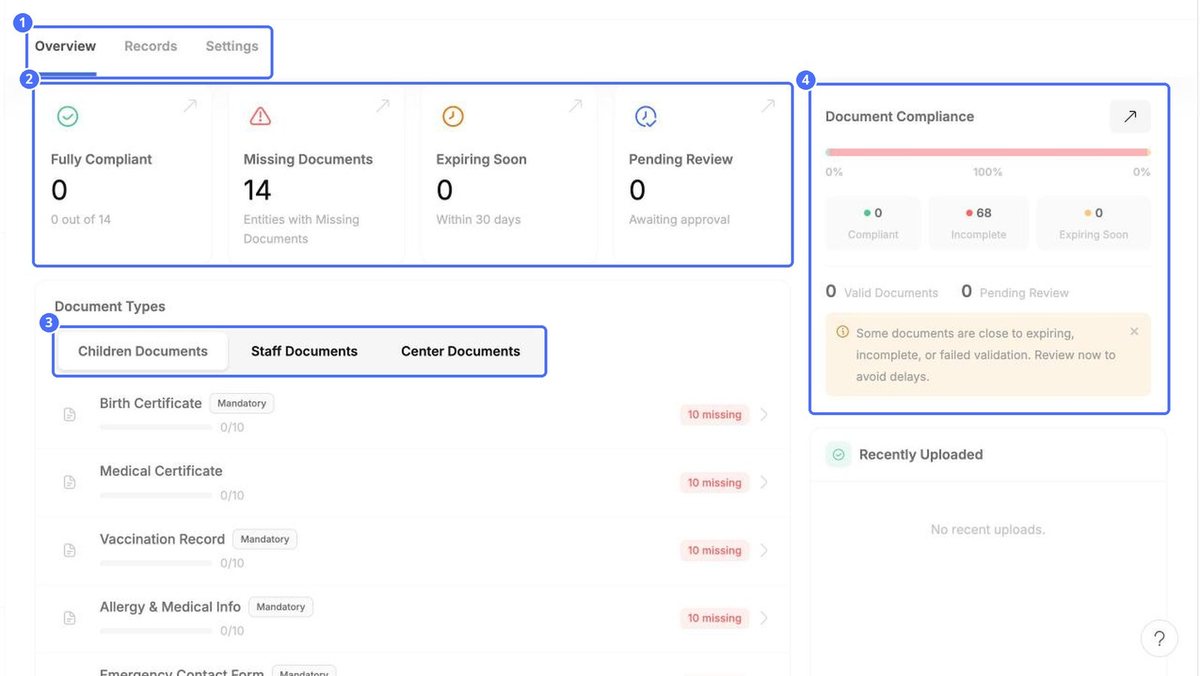
| Card | What it shows |
|---|---|
| Fully Compliant | How many children, staff members or centers have all their mandatory documents. |
| Missing Documents | How many have at least one mandatory document missing. |
| Expiring Soon | Documents that expire within the next 30 days. |
| Pending Review | Uploaded documents waiting for your approval. |
Under Document Types, each row shows how many documents you have out of how many you need, for example 0/10, and how many are missing. Mandatory marks the types that count towards compliance.
Document Compliance on the right sums up how many documents are compliant, incomplete or expiring soon. Recently Uploaded lists the latest files.


