
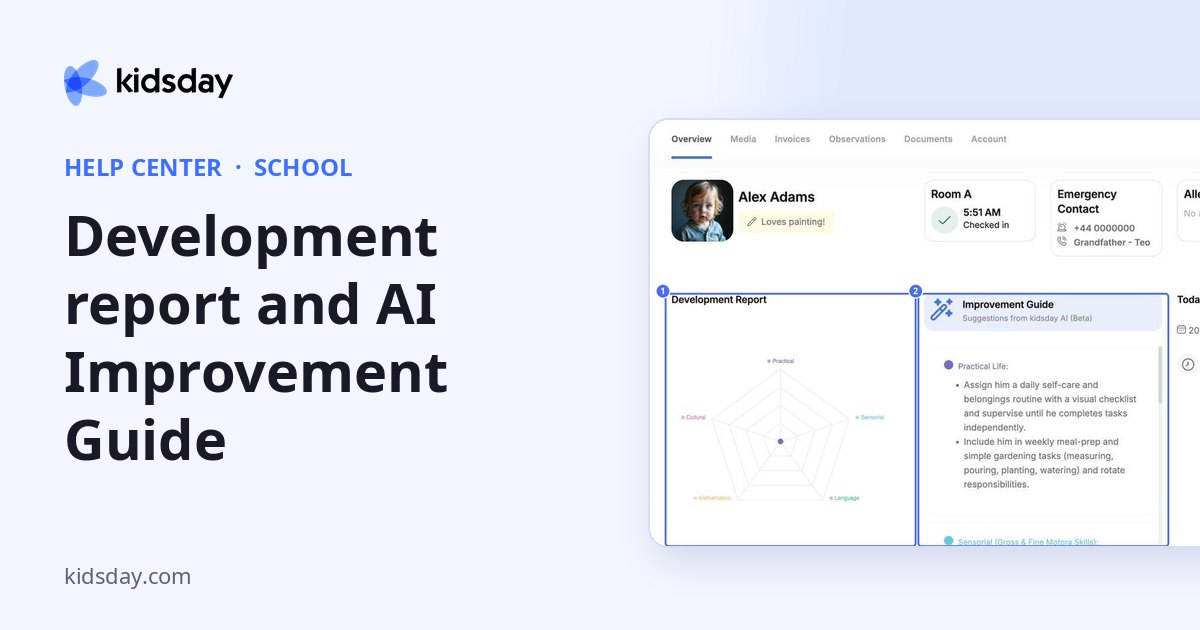
Each child's profile brings their progress together: the Development Report chart, the Improvement Guide with AI suggestions, and the observations your team records.
- Go to School › Children and click the child's name.
- The Overview tab opens.
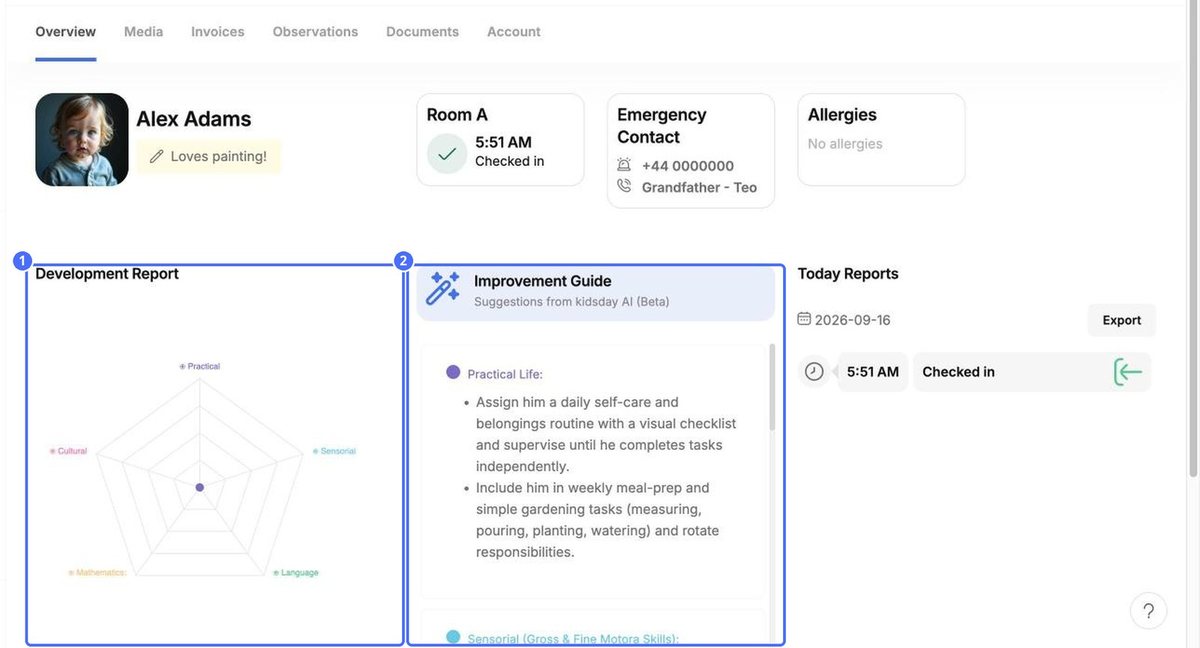
- Development Report shows progress in each area: Practical, Sensorial, Language, Mathematics and Cultural. It grows as you record observations.
- Improvement Guide gives suggestions from kidsday AI (Beta) for each area, such as Practical Life.
Record observations
- Open the Observations tab.
- Choose the Report Type.
- For each skill, click the level that fits: Improvement Needed, In progress or Achieved.
- Click Leave a Note to add a comment to an area.
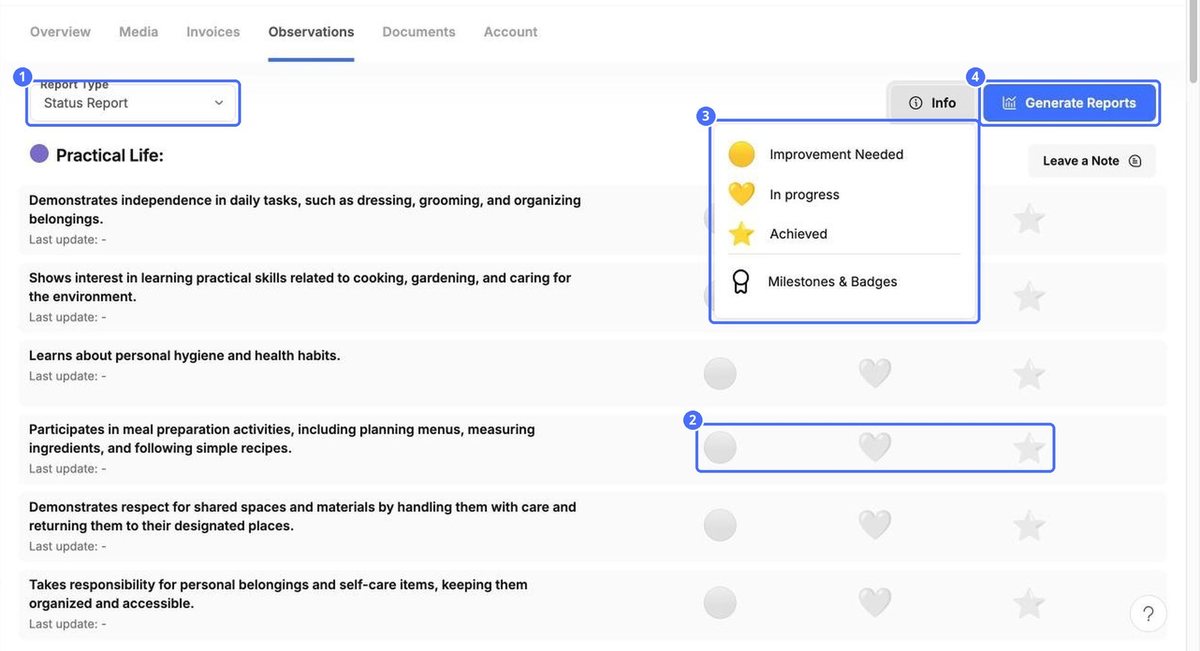
Click Info to see what each icon means and open Milestones & Badges.
Create a development report
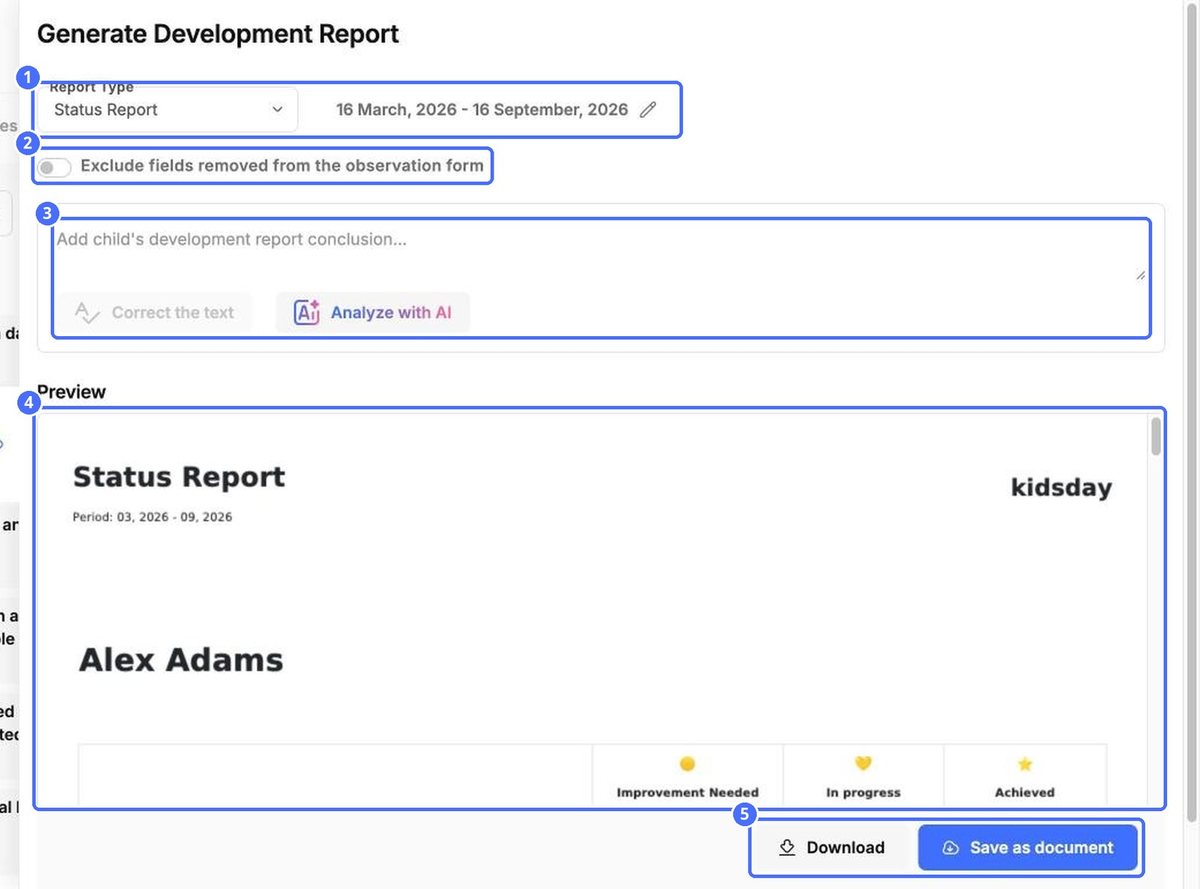
- On the Observations tab, click Generate Reports.
- Choose the Report Type. Click the pencil to change the period.
- Optional: switch on Exclude fields removed from the observation form.
- Write a conclusion. Analyze with AI can draft one for you, and Correct the text checks your writing.
- Check the Preview.
- Click Download to get a copy, or Save as document to keep it in kidsday.
Tip: AI suggestions are a starting point. Read and adjust the text before you share a report with parents.


