
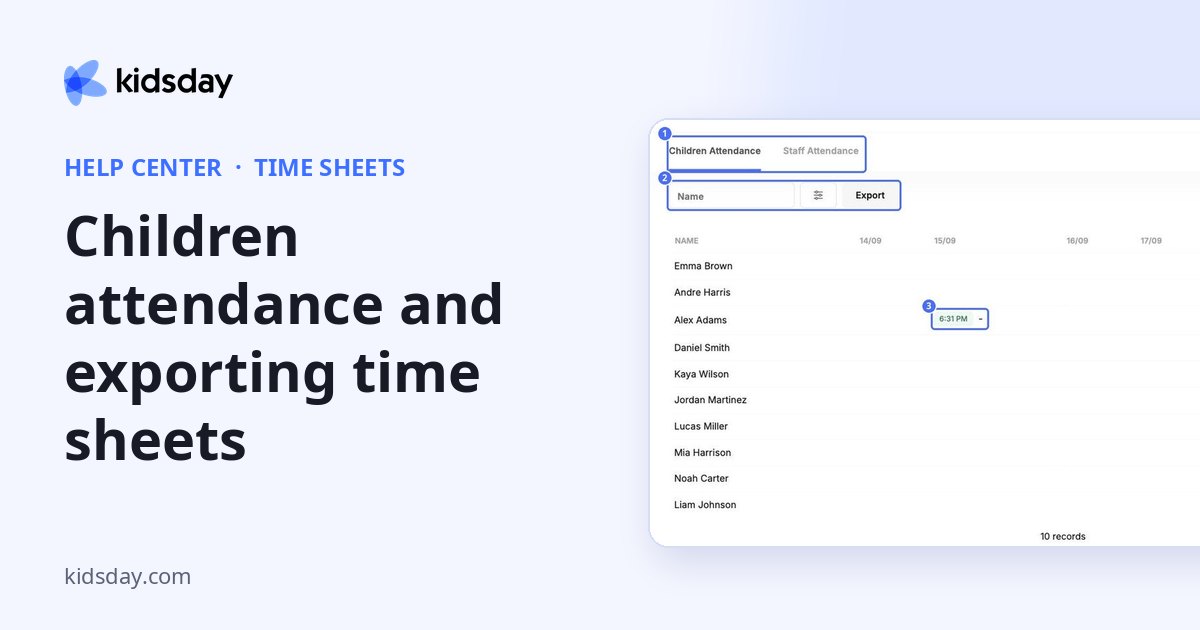
Children's attendance records when each child arrived and left, one row per child and one column per day.
Note: Staff hours moved. Working hours for your team are now in HR › Timesheets. This topic covers the children only.
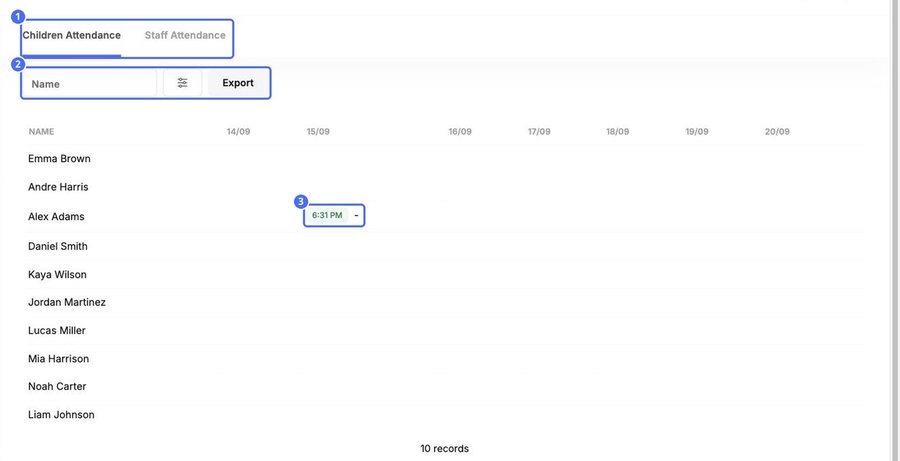
- Each row is one child. Each column is one day.
- A green time shows when the child was checked in. The time after the dash shows when they left.
- An empty cell means the child was not checked in that day.
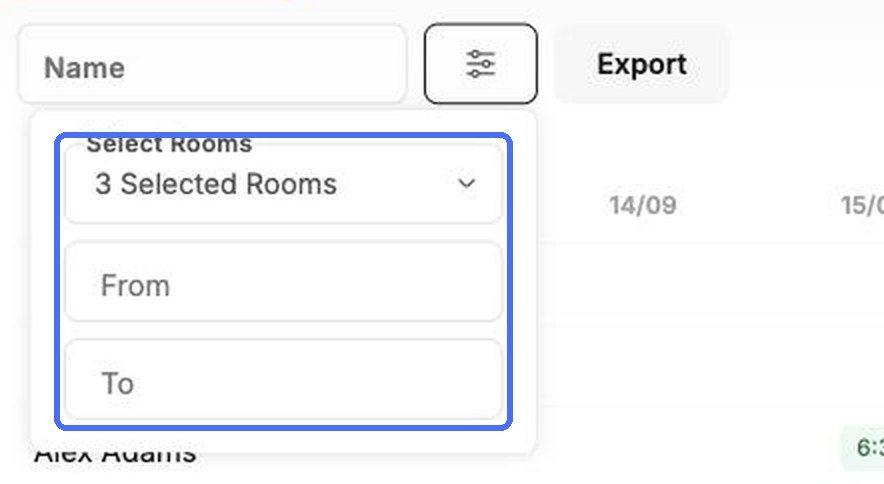
Click the filter button to choose the rooms and a From and To date.
Click Export to download the attendance for the filters you chose, for example for your records or a funding report.
Note: Children are checked in and out on the School page, in the room. See the School topics for details.


